Windows Console
Explore live screens, reporting, recording, and the controls for managing company computers.
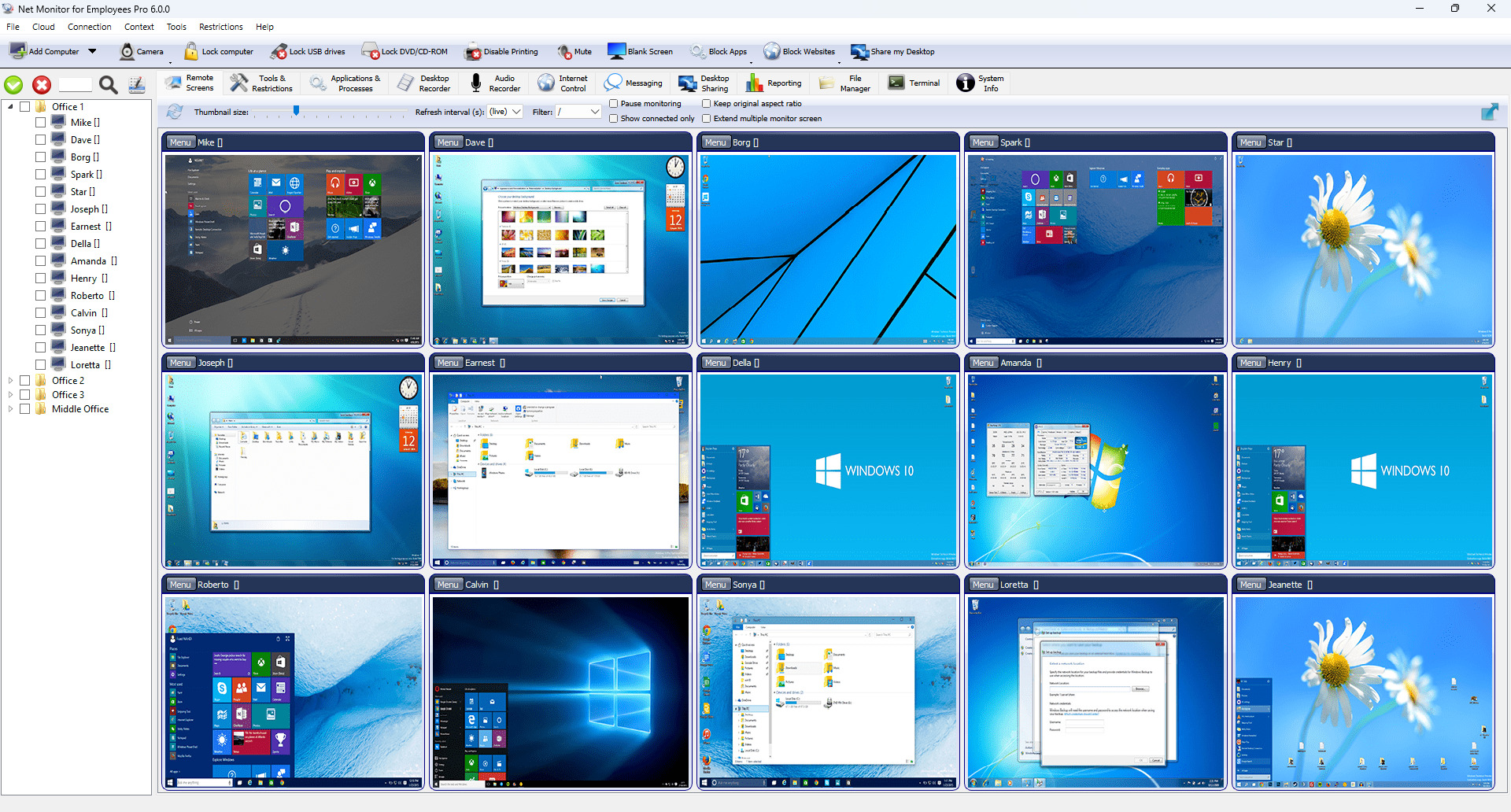
Live screen overview
See multiple employee computer screens together and select a device for a closer look.
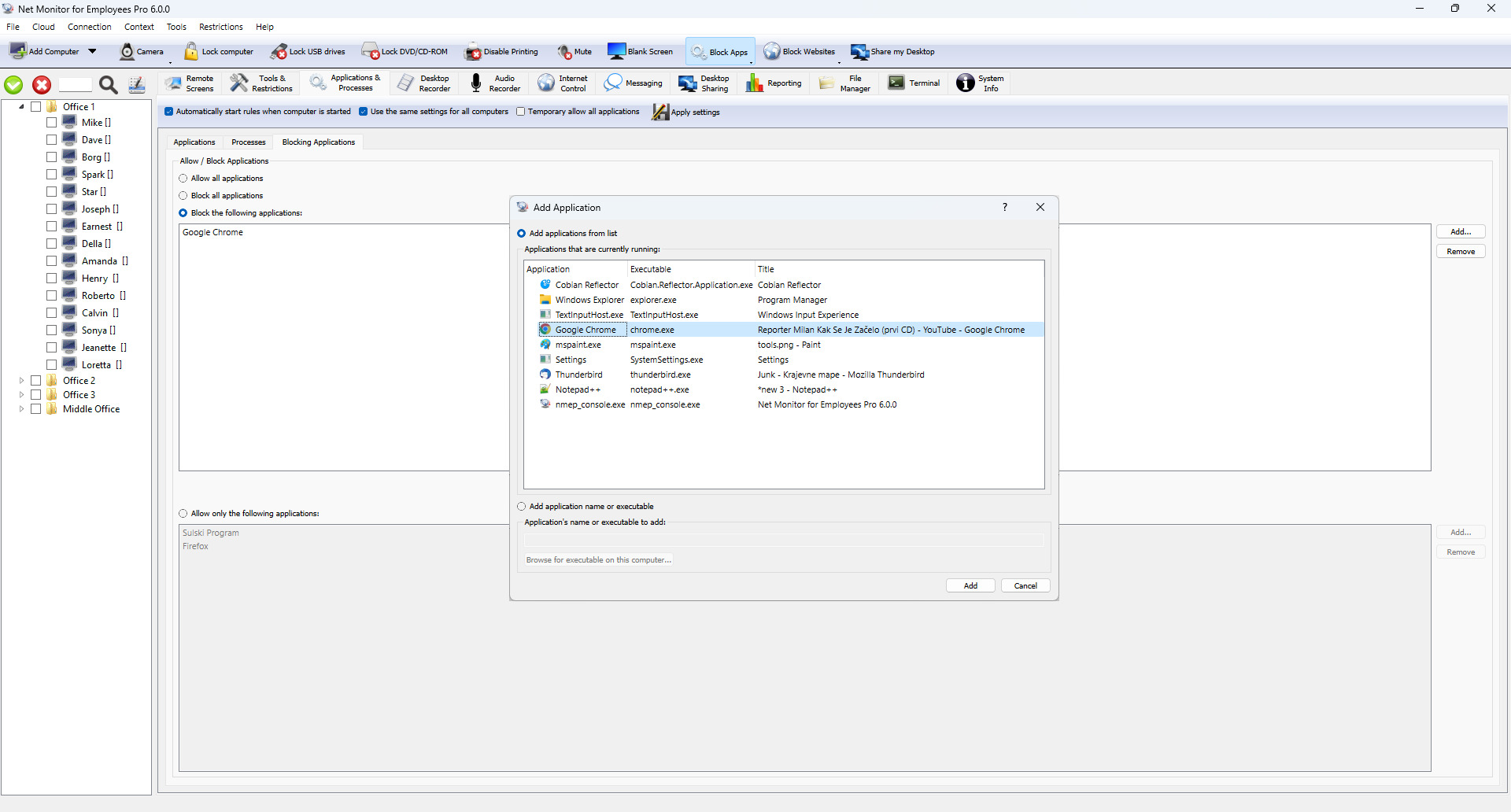
Application blocking
Review the controls for restricting applications on company computers.
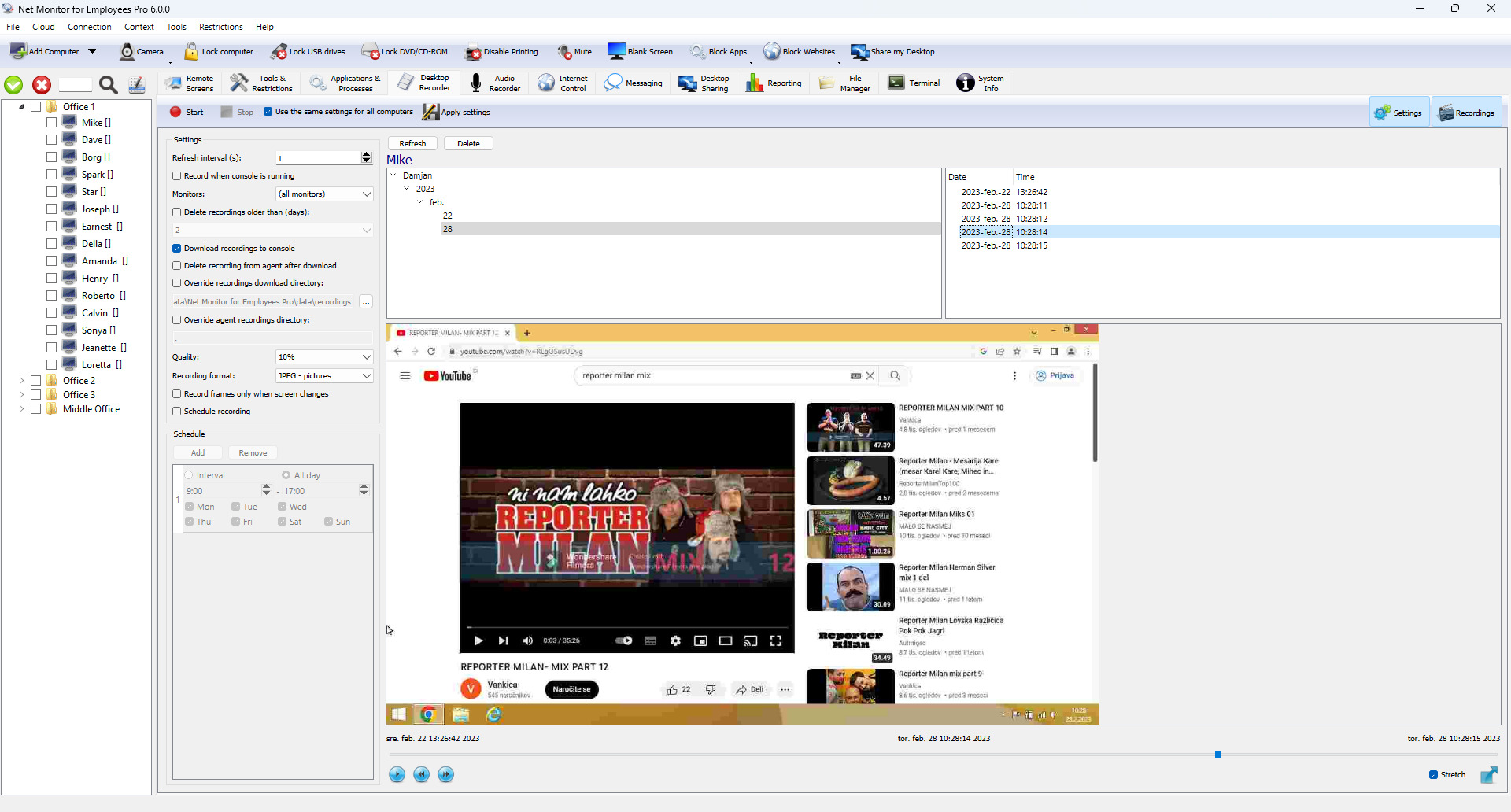
Screen recording
Explore recording options for reviewing computer activity later.
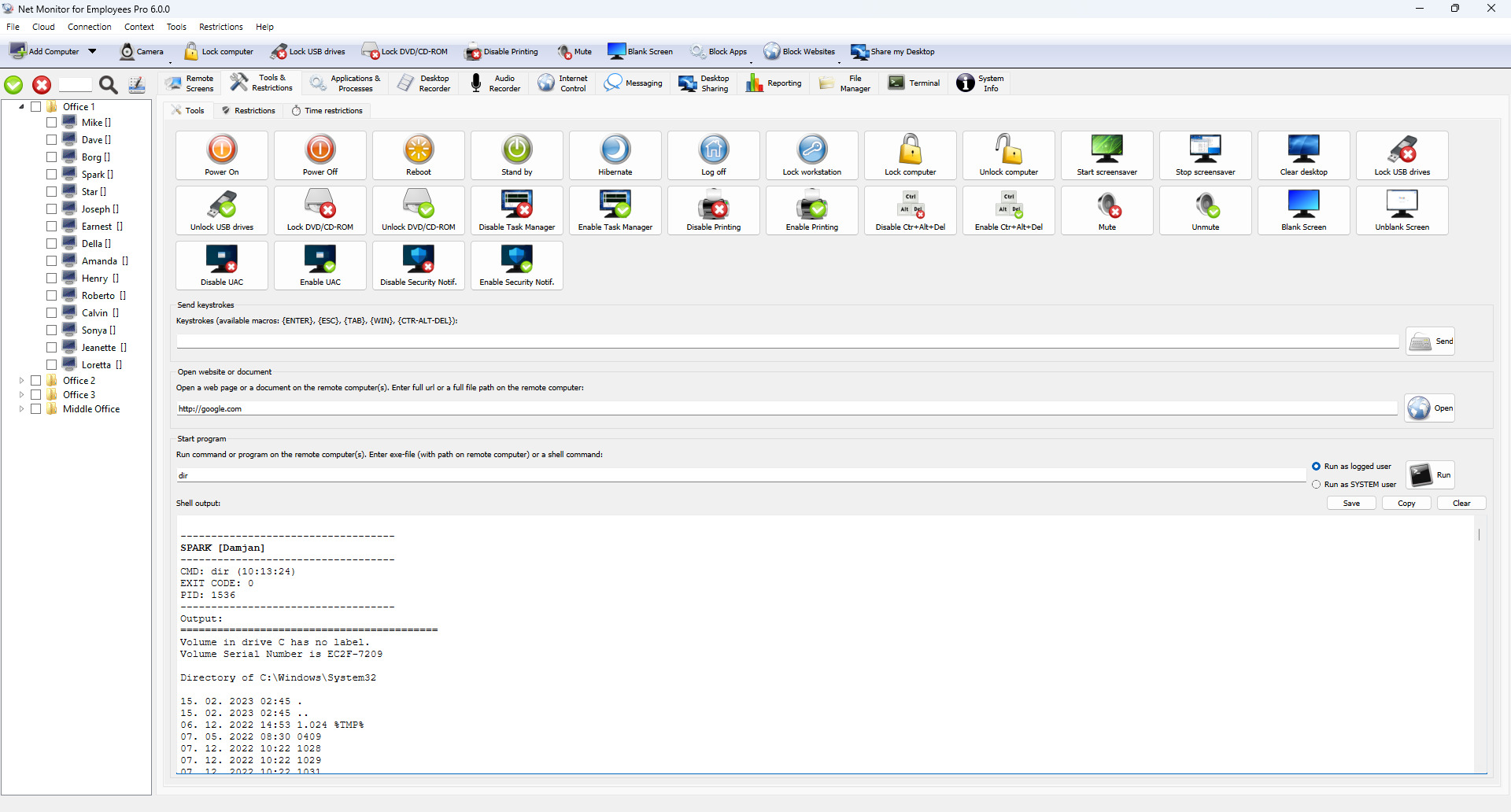
Administration tools
See the tools available for everyday computer management tasks.
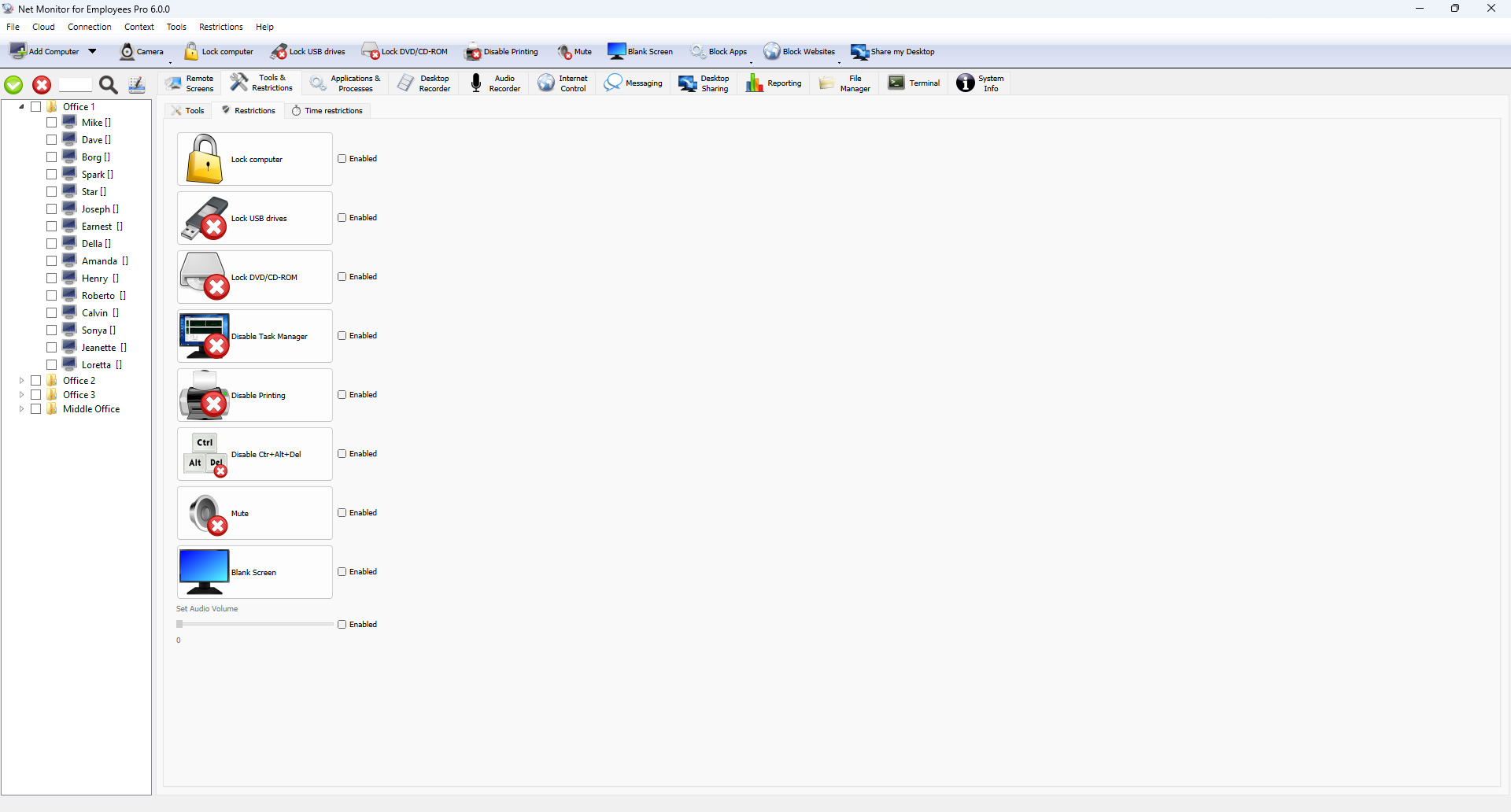
Computer restrictions
Review controls for limiting selected computer features.
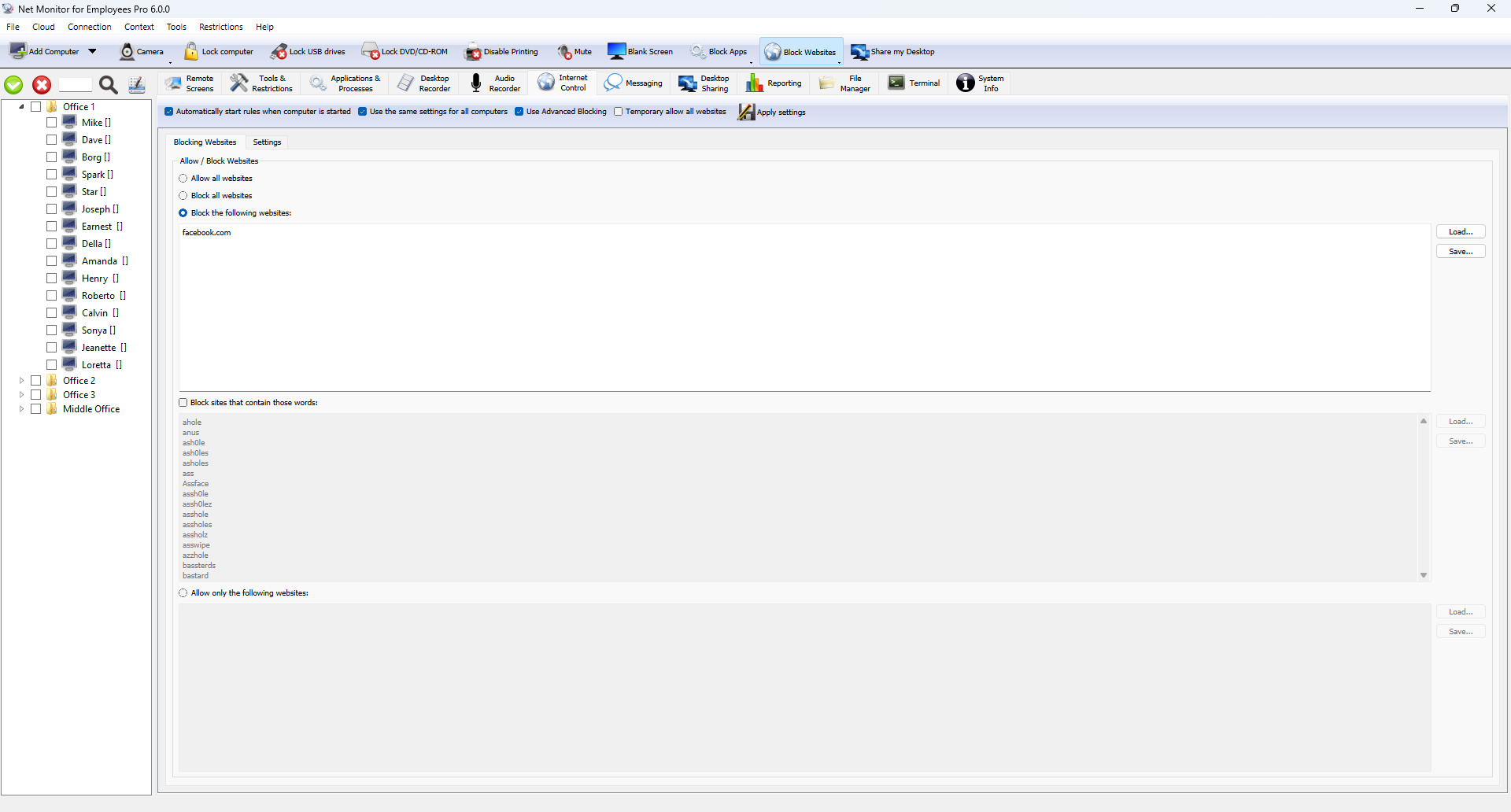
Internet controls
Explore controls for managing Internet access on monitored devices.
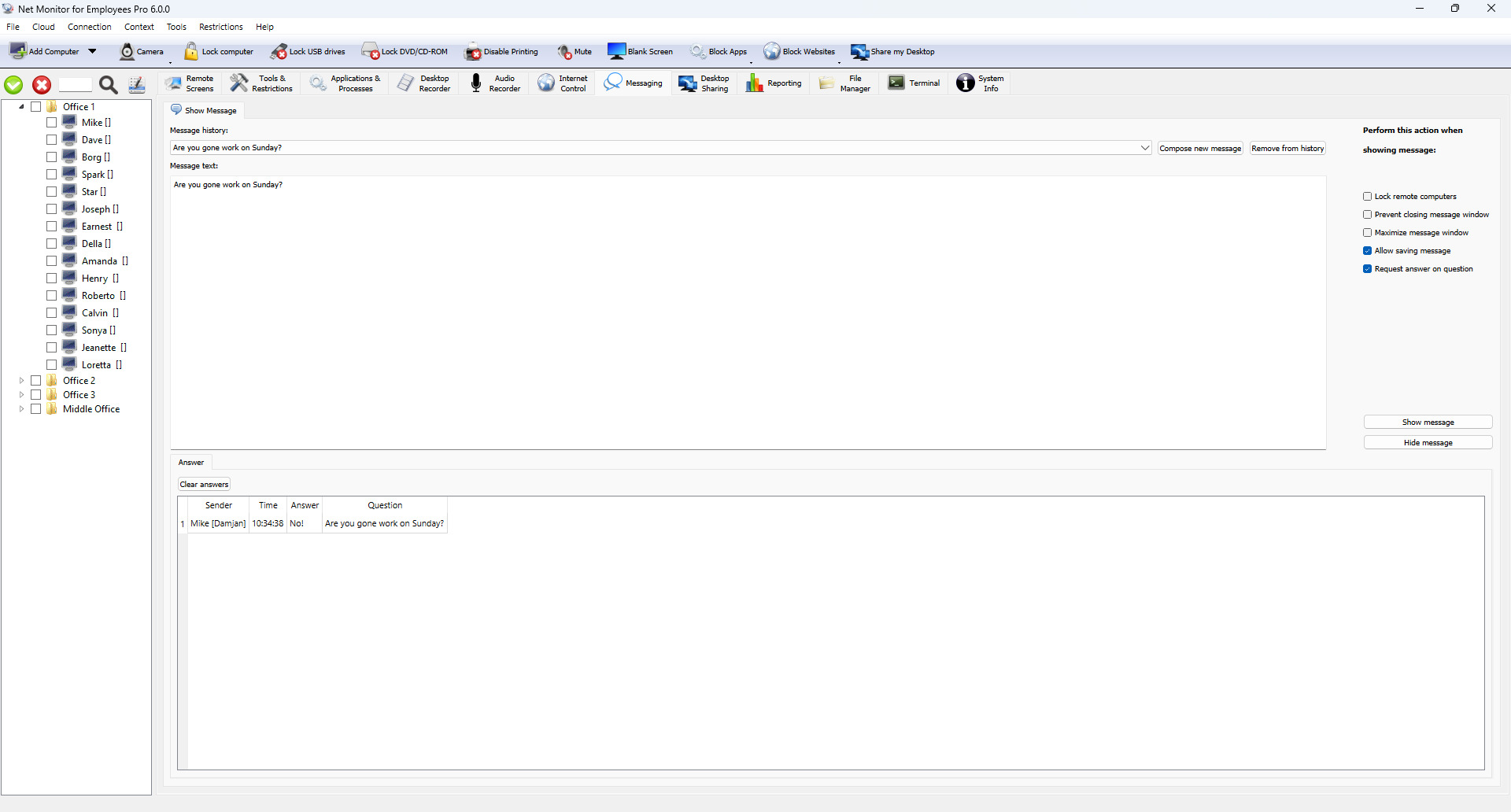
Employee messaging
Send messages to connected employees from the Console.

Desktop sharing
Share a desktop with your team to explain a process or demonstrate a task.

Remote control
Work with a remote computer using its keyboard and mouse controls.

Applications and processes
Inspect running applications and processes on a selected computer.
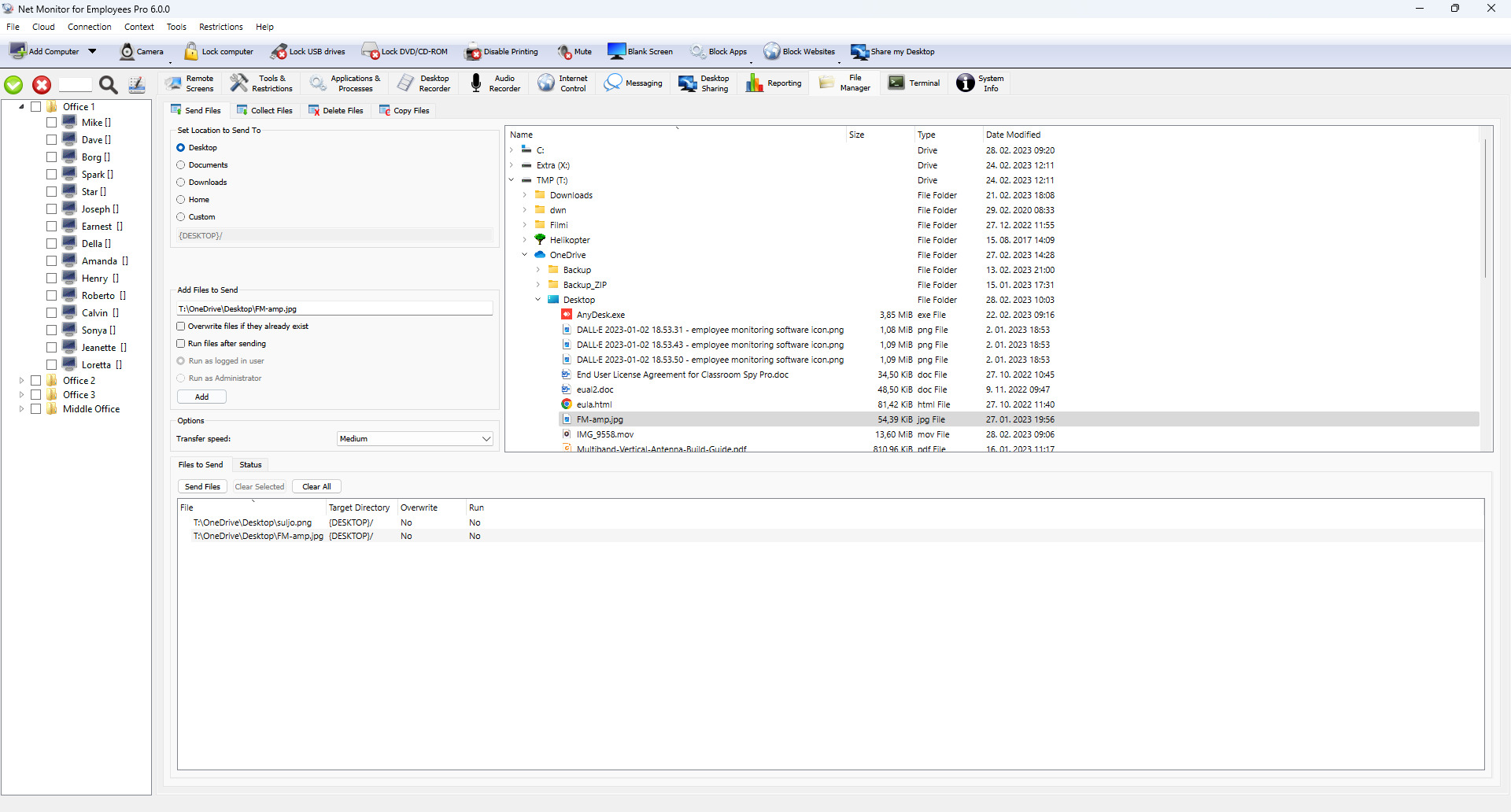
Send files
Distribute files from the Console to connected computers.
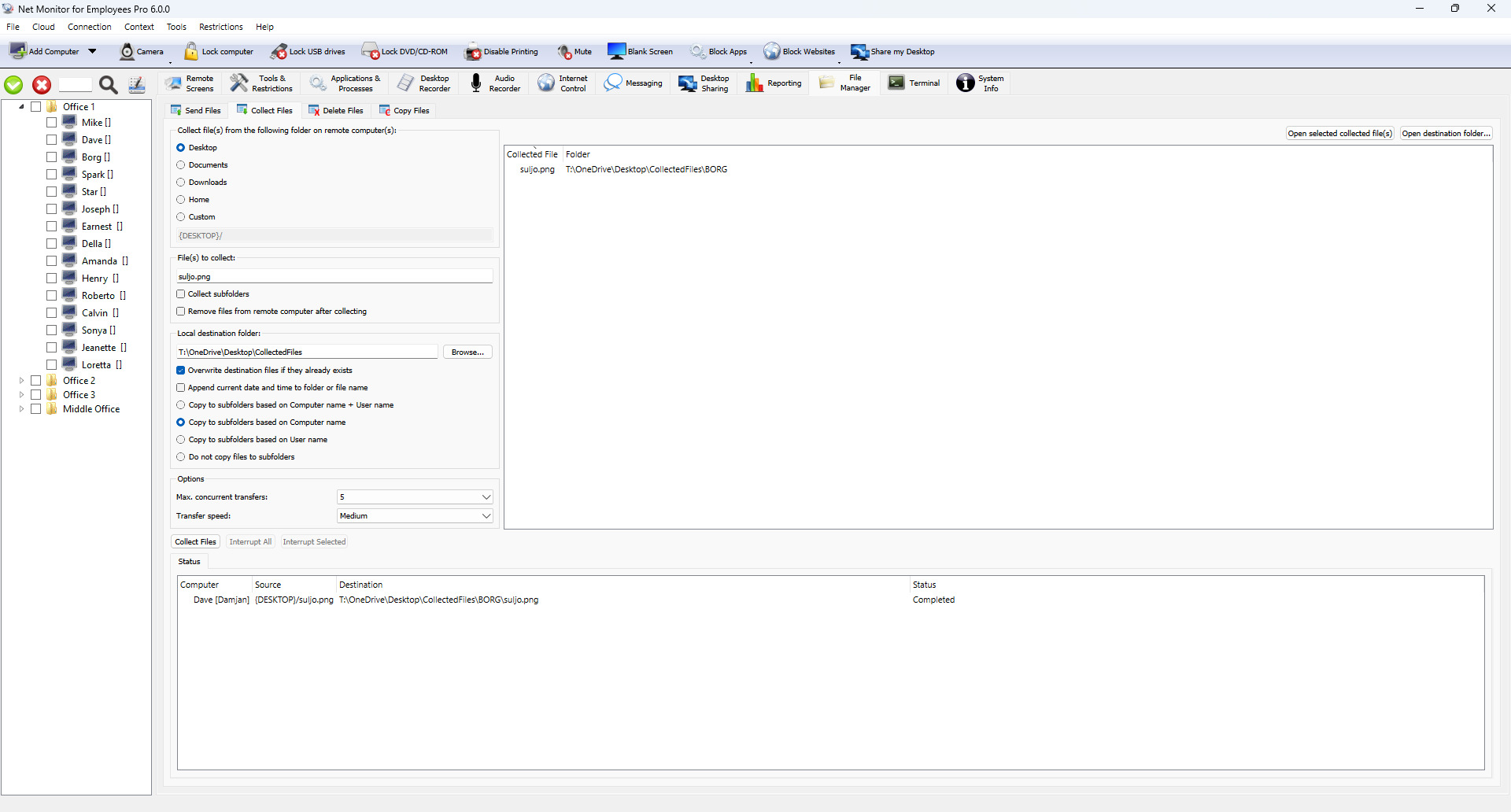
Collect files
Retrieve files from remote computers through the Console.
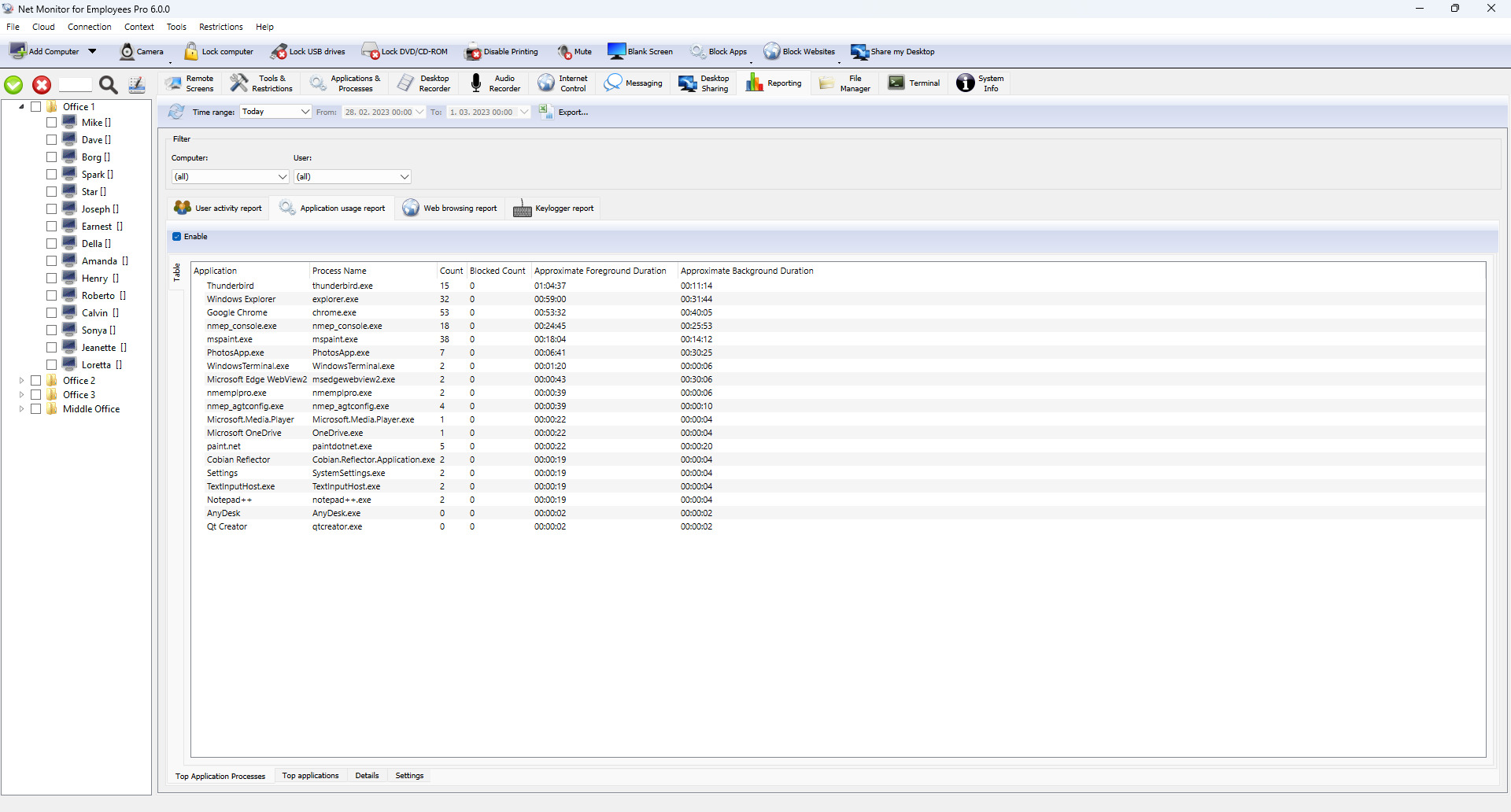
Activity reports
Review application and website activity to understand how computers are used.
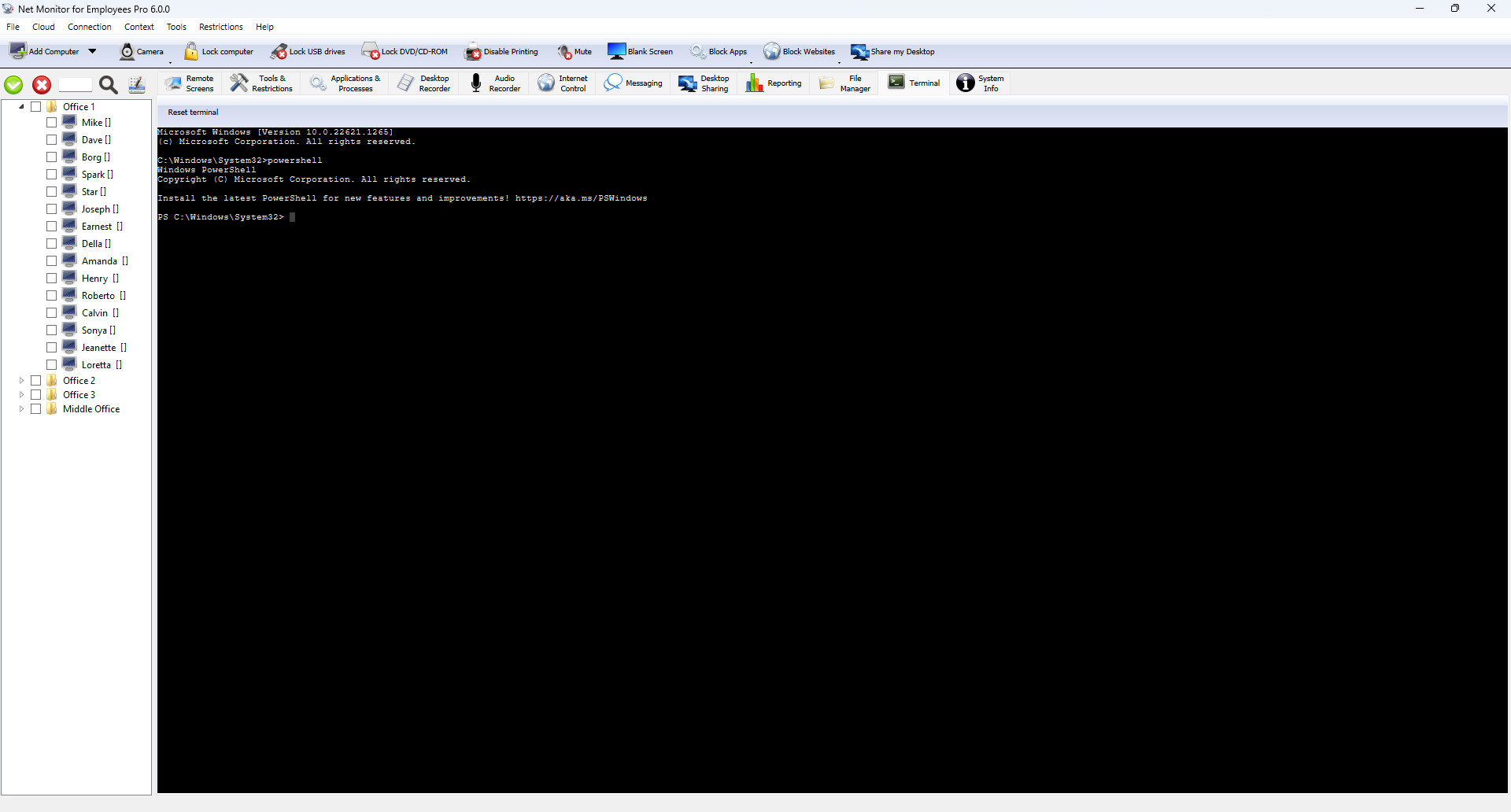
Remote terminal
Run administrative commands through the remote terminal interface.
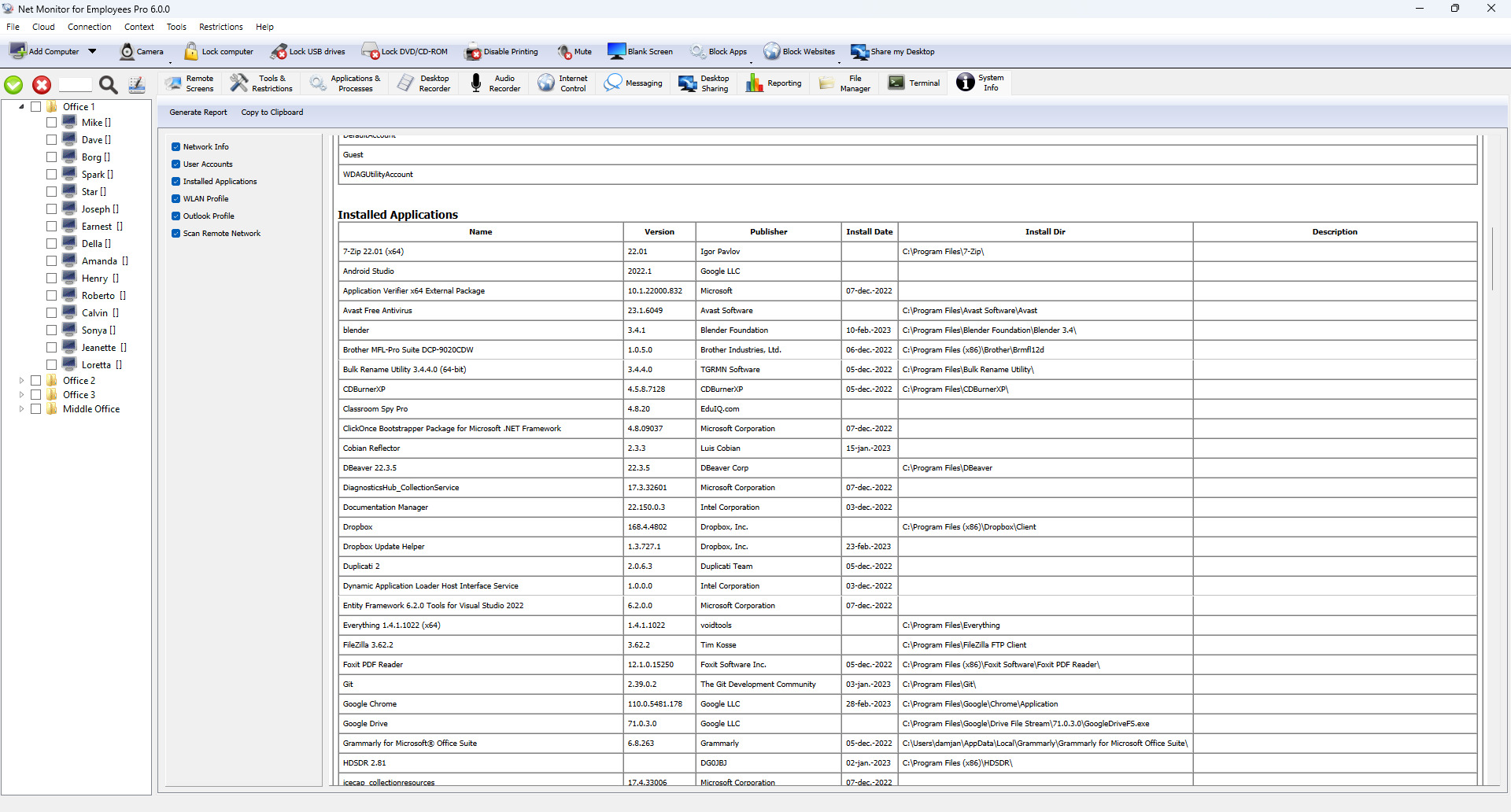
System information
Inspect hardware, software, and other system details for a selected computer.
macOS Console
See the Mac interface for screen monitoring, administration, and recording.
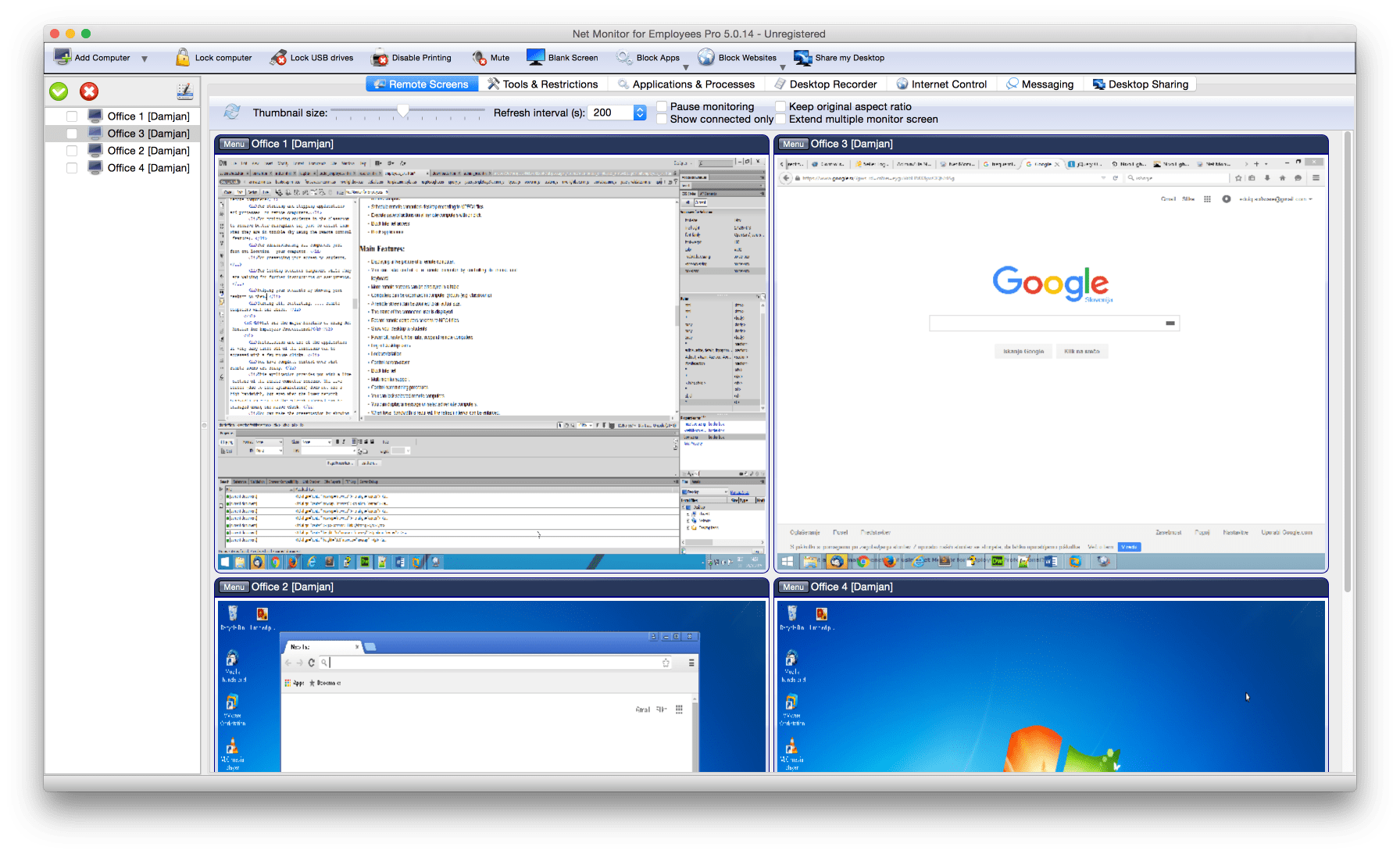
Live screens on macOS
View connected computer screens from the Mac Console.
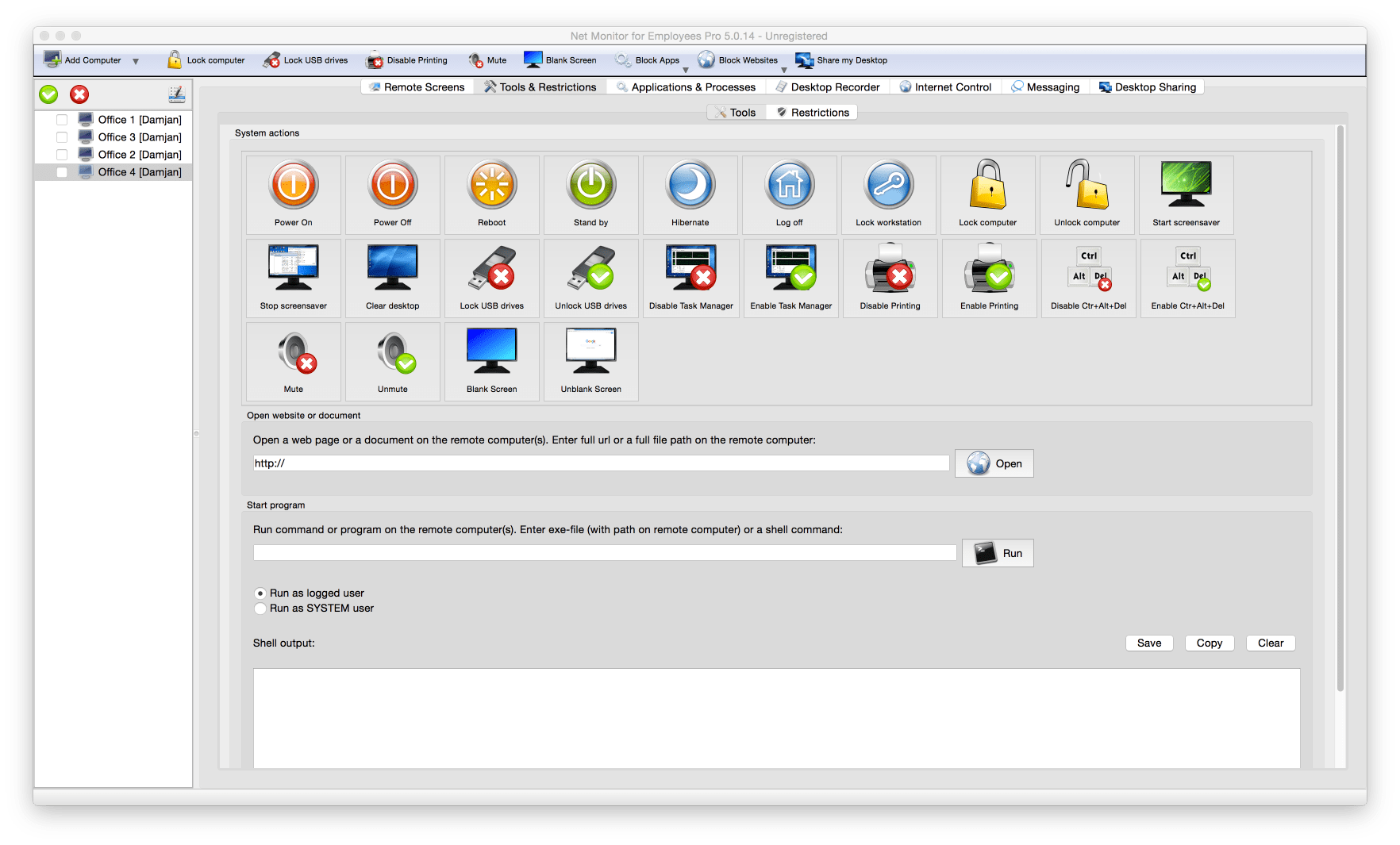
Administration on macOS
Explore the tools available in the Mac Console.

Screen recording on macOS
Review the recording interface in the Mac Console.
Phone Console
Access your monitored computers from a phone. These images show the mobile interface and its remote management controls.
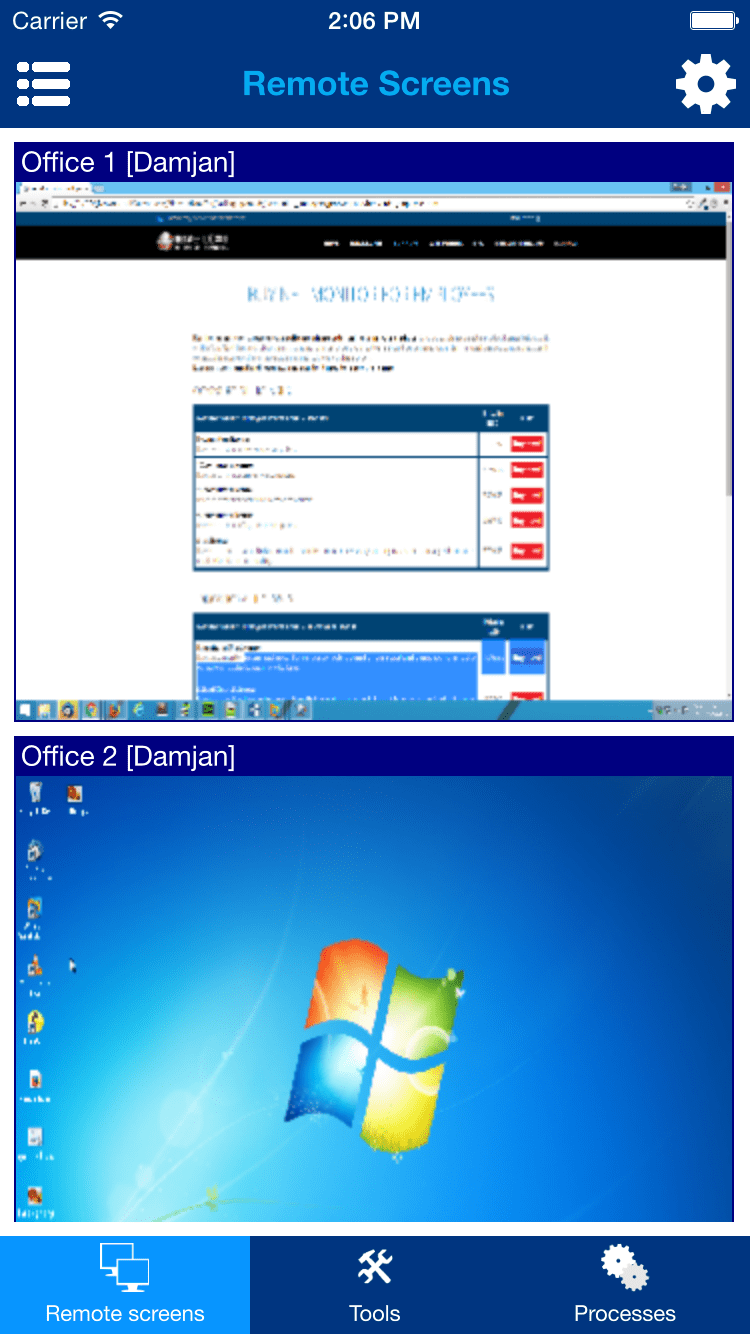
Screens on your phone
Browse monitored computers from the mobile Console.
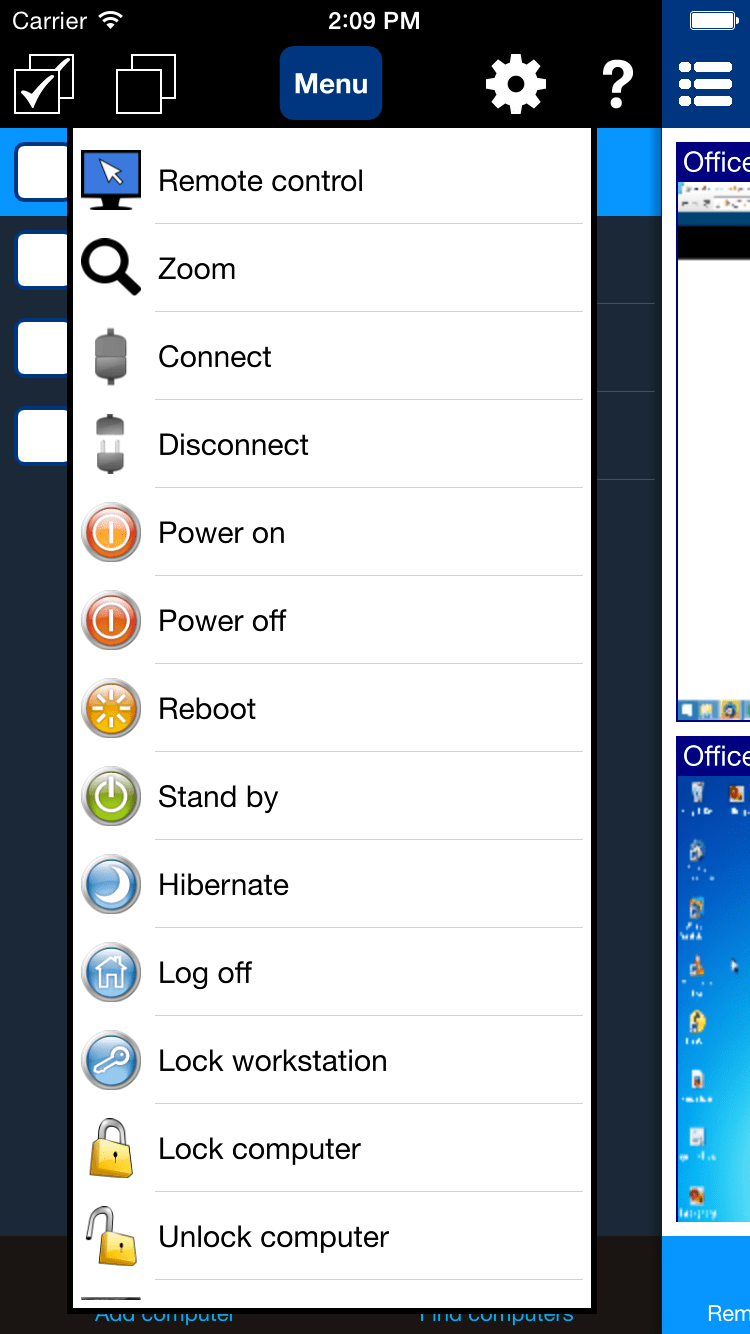
Computer actions
Open the actions available for a selected remote computer.
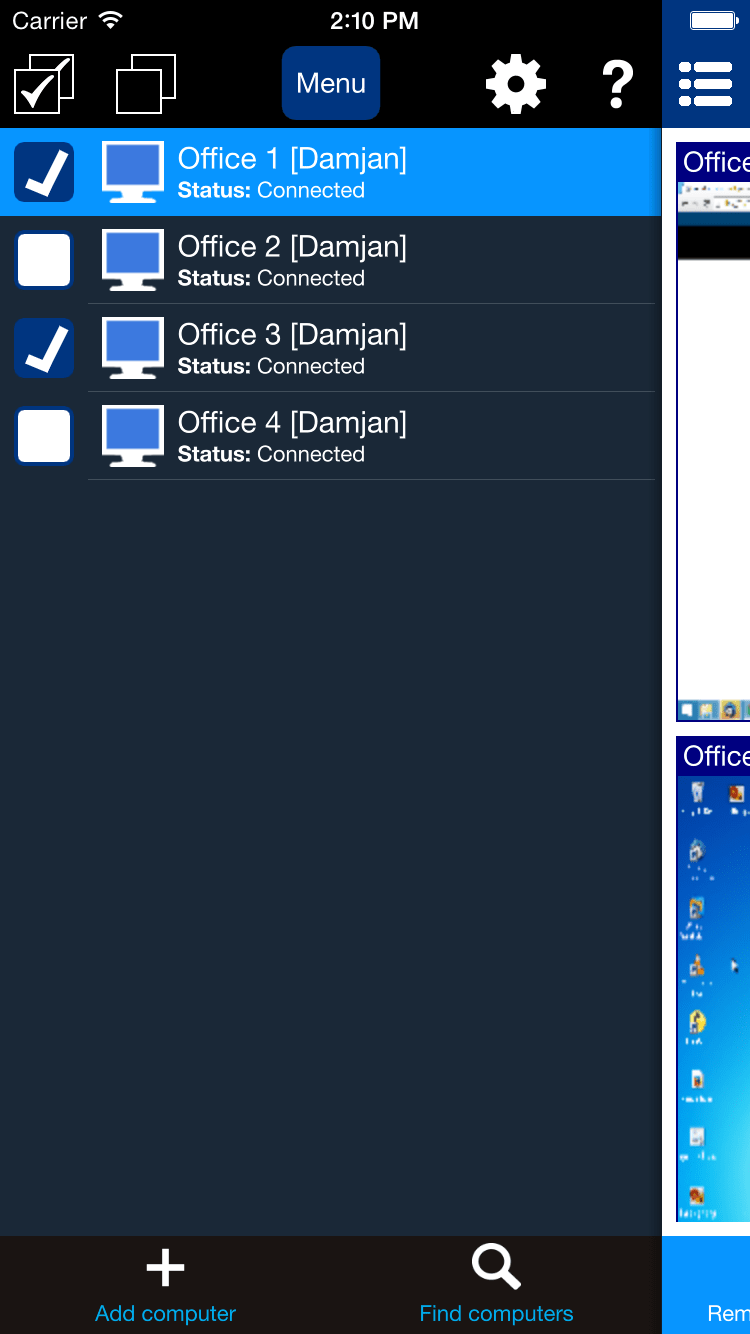
Mobile navigation
Move between views and tools in the phone Console.

Mobile administration tools
Access computer management tools from your phone.
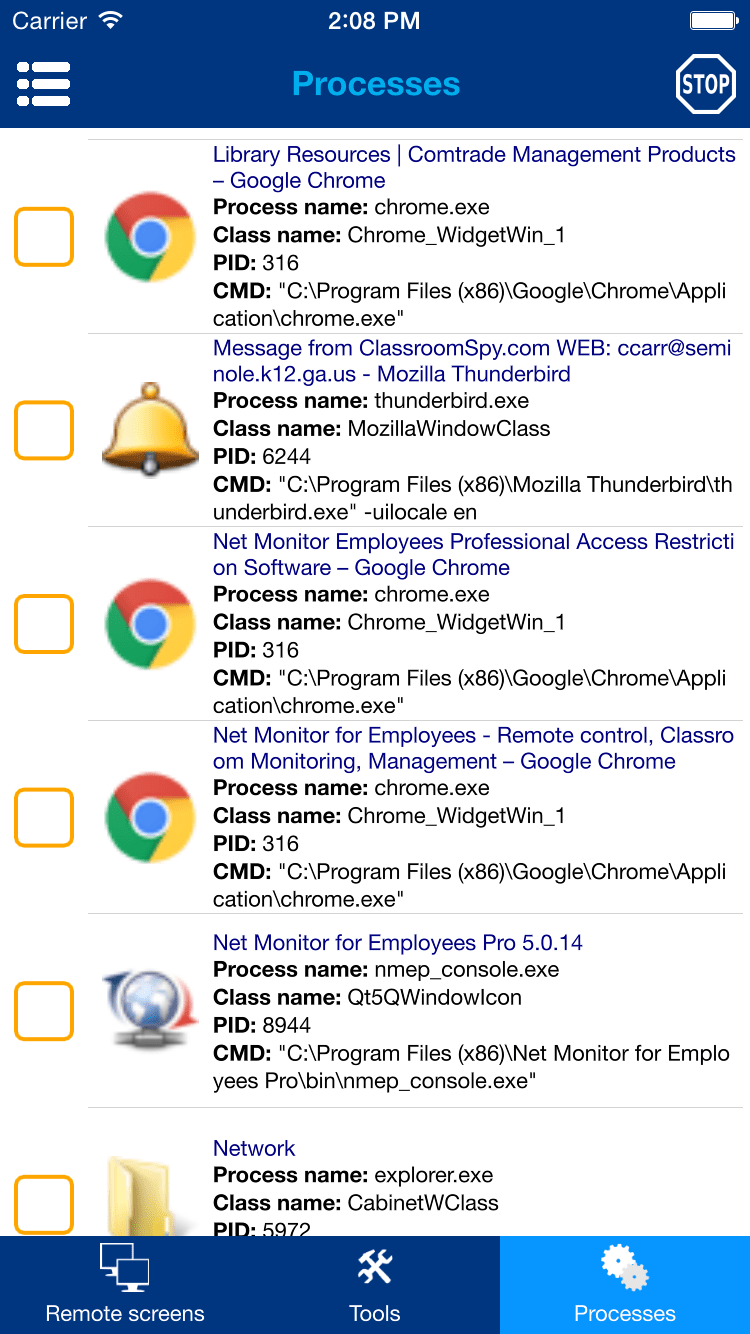
Running processes
Inspect applications running on a remote computer.
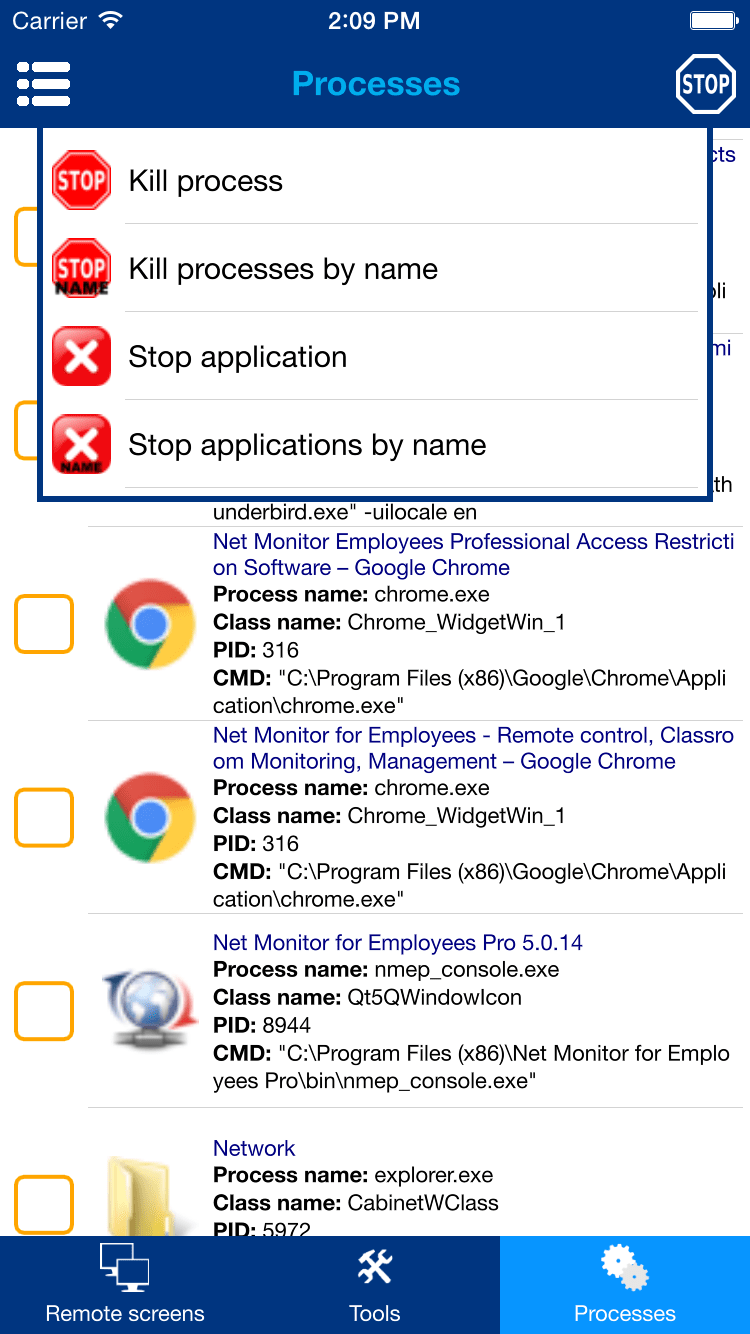
Application controls
Open the available controls for a selected application.
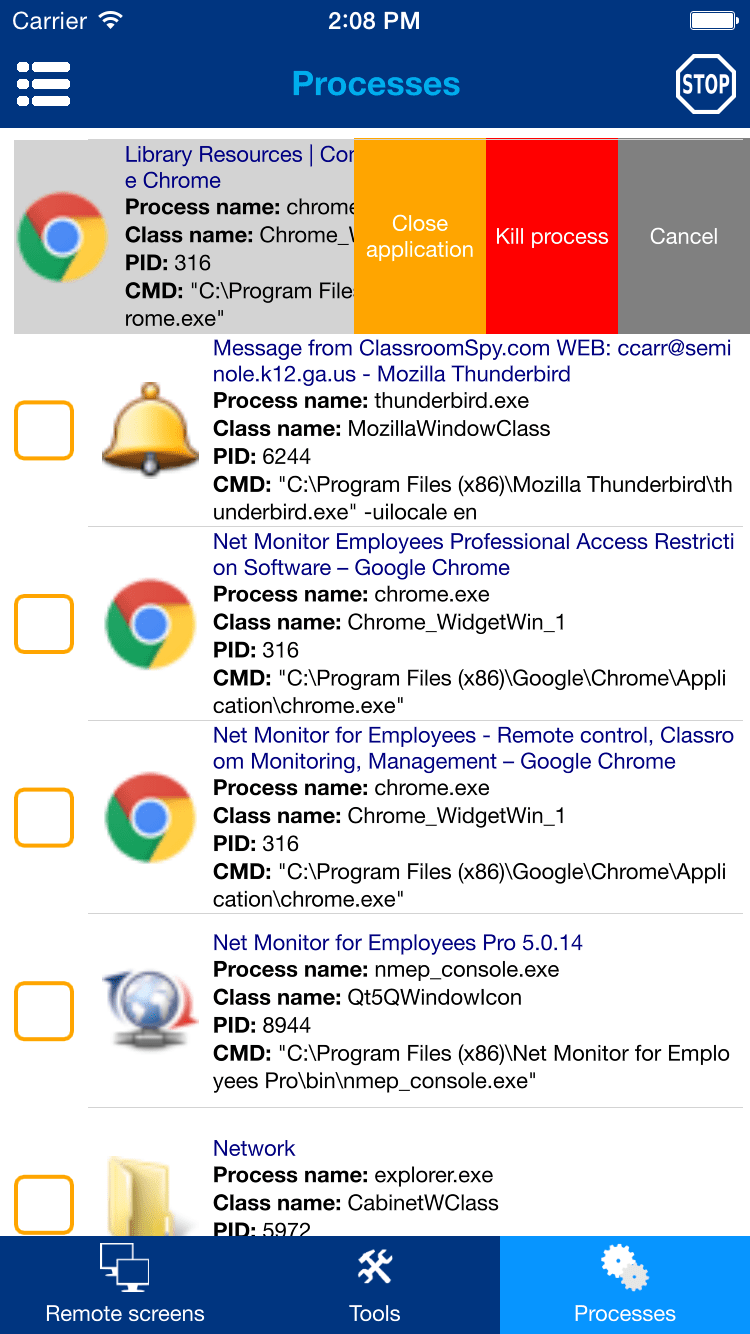
Process actions
Access process actions directly from the mobile list.

Remote control from a phone
Interact with a computer screen while away from your desk.

Start a program
Launch a program on a connected computer from the mobile Console.
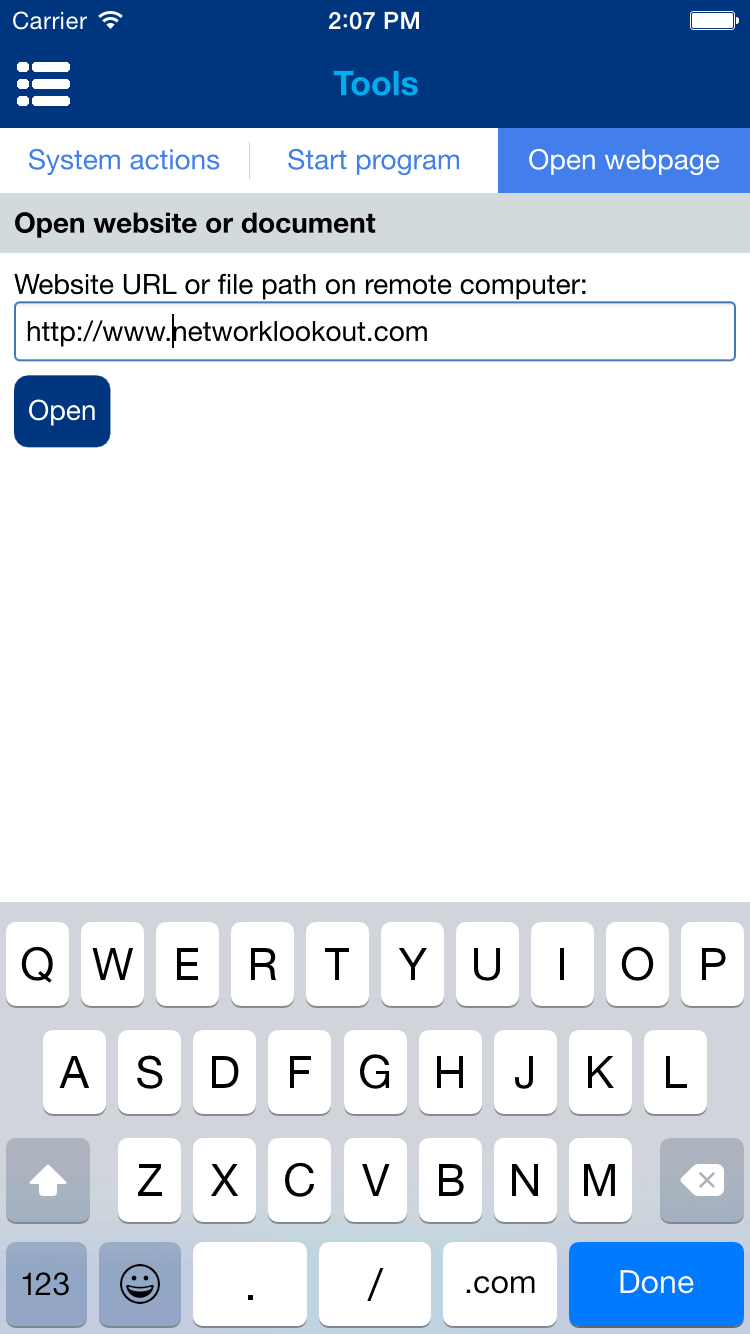
Open a webpage
Open a selected web address on a remote computer.
Tablet Console
Use a tablet for a larger screen overview and convenient access to connected computers.
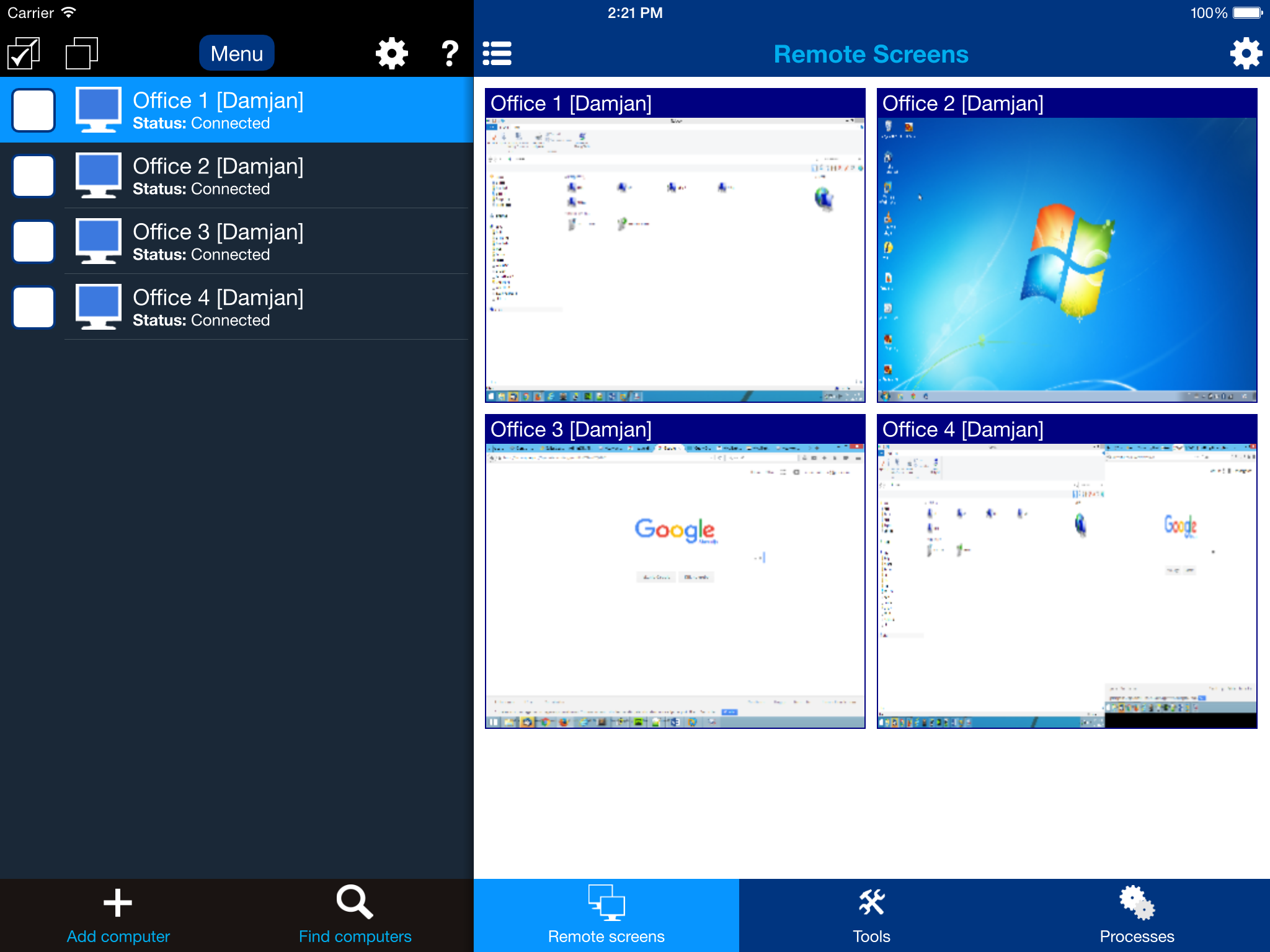
Tablet screen overview
See multiple connected computers on a larger mobile display.

A closer screen view
Open an individual remote screen in the tablet Console.
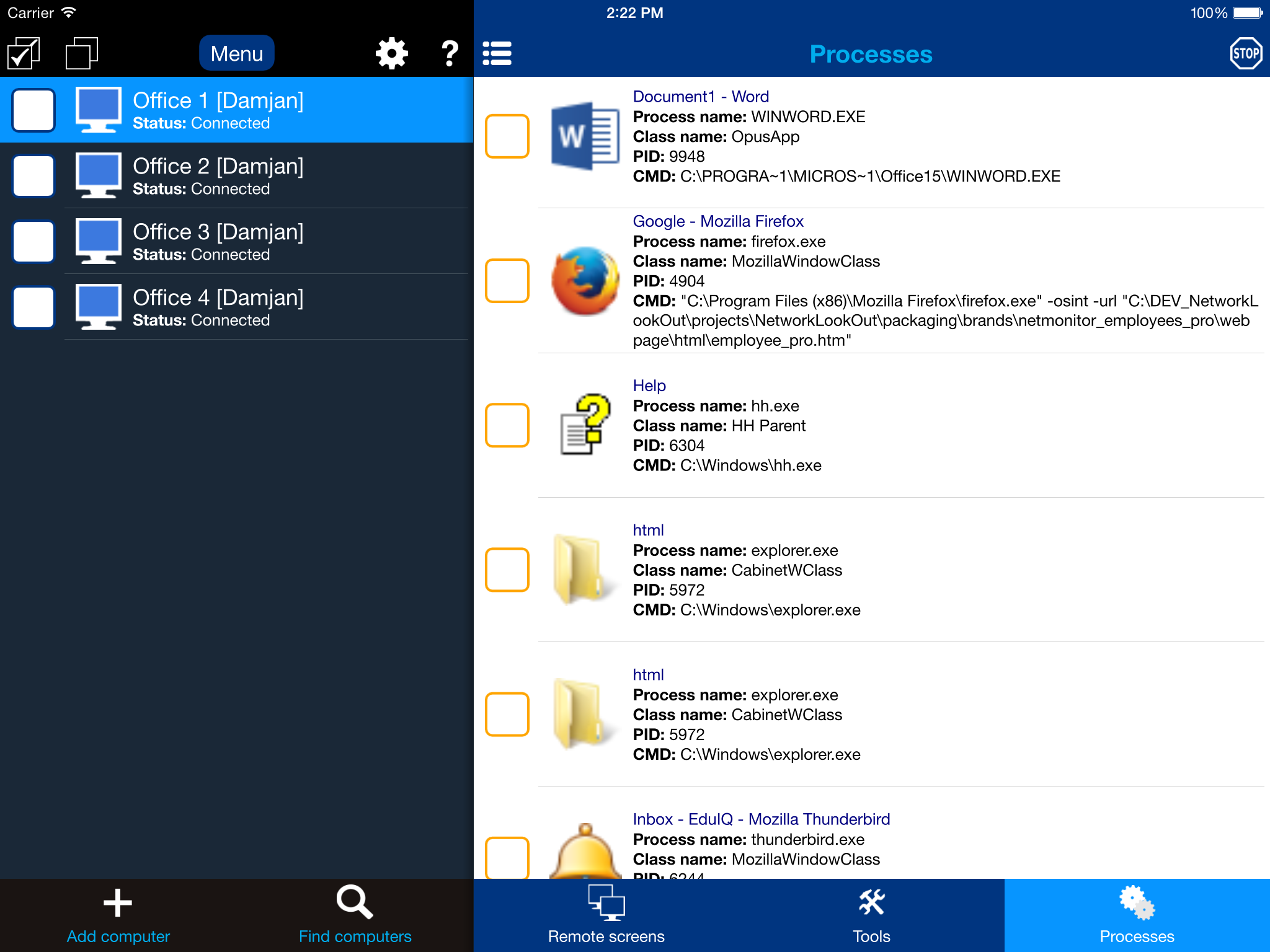
Processes on a tablet
Review running applications from the tablet interface.
See how the software fits your team
Screenshots are a useful first look. Download the full desktop trial to explore live monitoring, reporting, and remote support on your own company computers.
Download 30-Day Free Trial