Computer monitoring / Practical guide
Computer Monitoring Software for Better Control
Investigate endpoint issues by connecting screen state, running programs, and activity history with the affected computer.
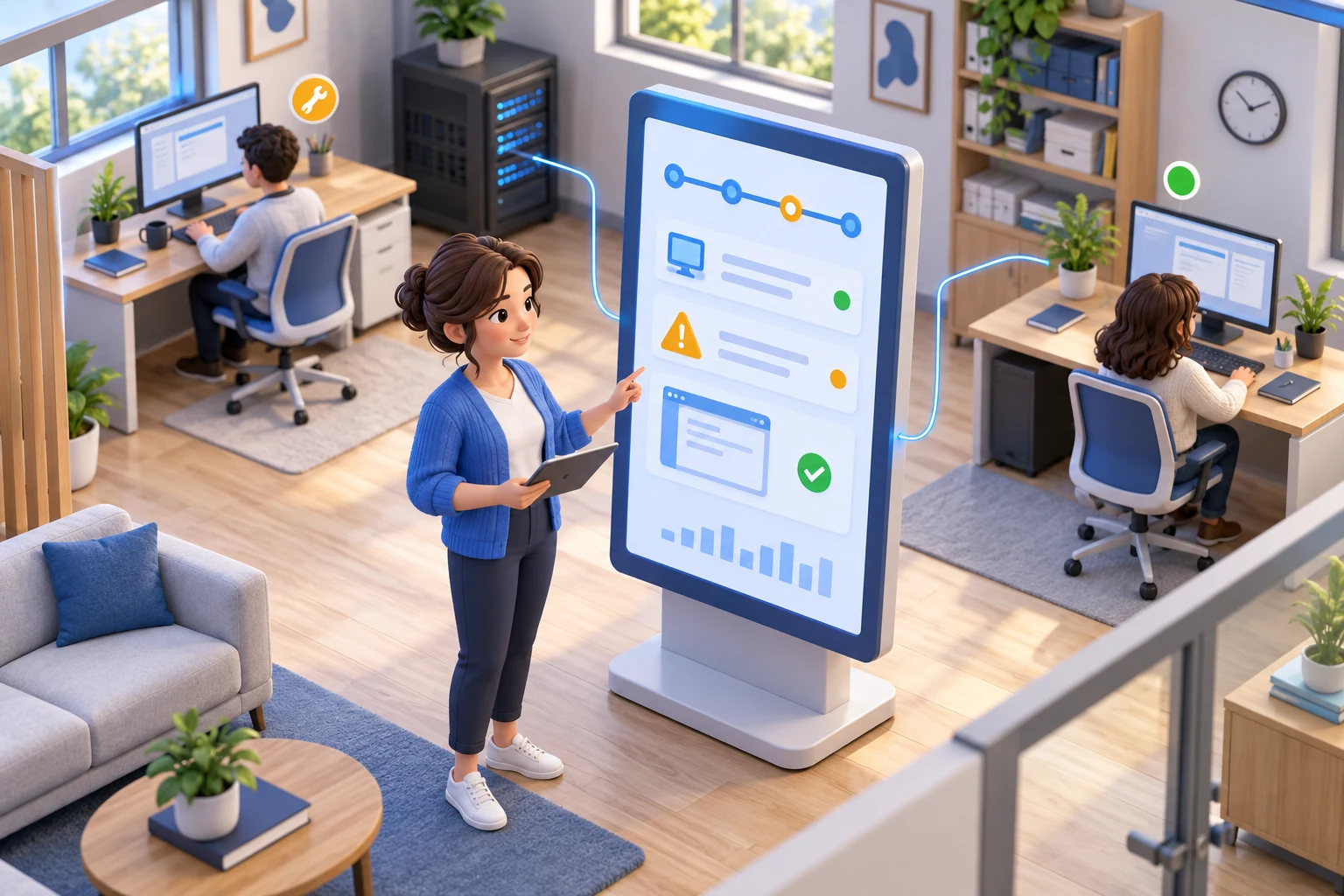
When a company computer repeatedly freezes or runs an unfamiliar program, IT needs a device-level record. Computer monitoring software brings screen visibility and activity history together so an administrator can investigate the affected endpoint, separate software trouble from misuse, and choose a proportionate response before downtime spreads.
For small and midsize businesses, this is not about watching every mouse movement for its own sake. It is about protecting paid work time, enforcing acceptable-use rules, investigating incidents with facts, and maintaining control over endpoints that may be outside the office network. The right system gives managers visibility when they need it and administrative tools to act on what they find.
01What computer monitoring reveals about an endpoint
Basic time-tracking tools can show when a user signs in or submits a task. That is useful, but it does not explain how work time was used, what applications consumed it, or whether a policy violation occurred. A practical monitoring platform collects the operational record needed to answer those questions.
Live screen viewing lets a manager or administrator check current activity without interrupting the employee. This is particularly valuable when a remote employee needs support, when a team is handling sensitive customer information, or when a supervisor needs to confirm that work is progressing during a critical shift.
Screen recording provides a reviewable history when live viewing is not enough. Instead of relying on conflicting accounts after an incident, administrators can examine recorded desktop activity and, where company policy permits, audio. Keystroke logging, website history, application use, and process logs add the detail needed to identify repeated distractions, unauthorized tools, risky searches, or suspicious behavior.
The most useful systems turn this information into filtered reports. A manager should be able to review activity by employee, department, date range, application, website, or event type. Raw monitoring data has limited value if finding a specific issue requires hours of manual review.
02Visibility Is Only Half the Job
Monitoring identifies a problem. Control features help stop it.
If employees repeatedly visit distracting or dangerous websites, administrators need the ability to block those destinations. If unapproved software creates licensing, security, or productivity problems, application restrictions can prevent it from running. Device controls can limit access to removable media or other hardware that creates a data-loss risk.
Remote administration matters just as much. IT teams should be able to transfer or remove files, run commands, restart or shut down computers, and provide remote desktop assistance without waiting for a device to return to the office. For a small IT department, these capabilities reduce wasted travel, shorten response times, and keep a minor endpoint issue from becoming an all-day disruption.
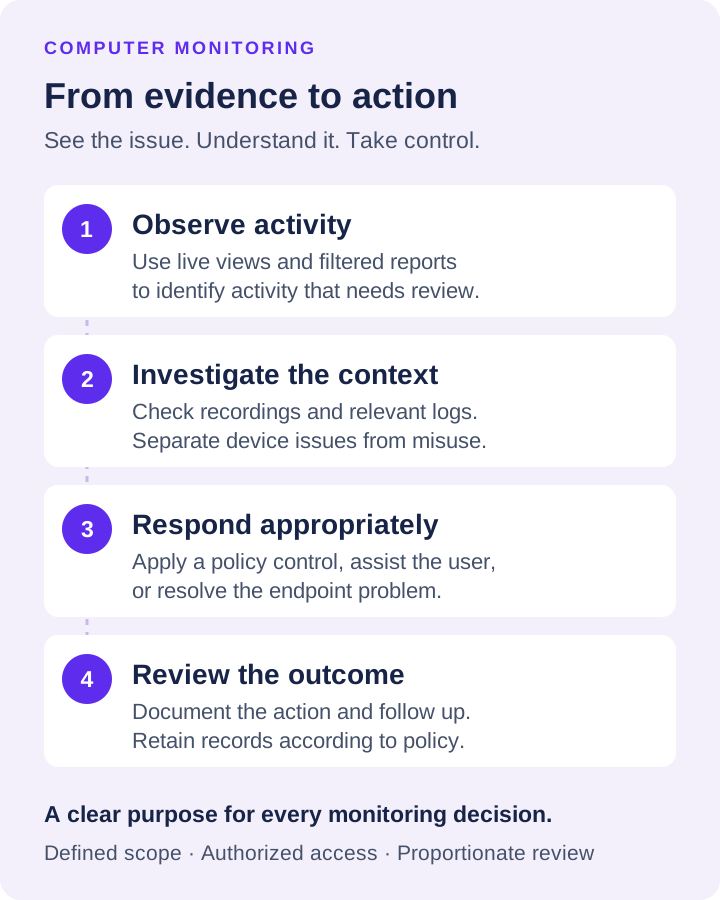
This combination changes the role of computer monitoring software. It becomes a management and endpoint-control system rather than a passive surveillance archive. When an alert or report shows a problem, the administrator can investigate, document, and respond from the same operating position.
03Where Monitoring Produces Measurable Results
The strongest case for monitoring is not a vague promise of greater productivity. It is a specific operational problem that costs time, money, security, or management attention.
For a recurring application freeze, record the computer name, user, time, and visible error. Inspect the running applications and processes, then compare the affected period with usage reports. Check whether the same task fails on another managed computer. This narrows the investigation without assuming the employee caused the delay.
An unfamiliar process deserves a different check: establish its name, business purpose, and whether it is approved before closing or blocking it. Application controls can support the response. Monitoring is not a substitute for antivirus, patch management, or file auditing; correlate those systems when malware, a missing update, or a data transfer is suspected.
IT administrators often use monitoring to find workflow bottlenecks that look like performance problems. An employee may appear inactive because a business application is freezing, a process is consuming system resources, or a remote connection is failing. Process data, screen views, and remote access help IT separate a training issue from a technical failure.
There is also a straightforward cost-control benefit. Businesses pay for computers, licenses, network capacity, managers' time, and employee hours. A system that exposes unauthorized software, recurring nonwork activity, and avoidable device downtime gives leadership a basis for correcting waste before it becomes normalized.
04Use Monitoring With Clear Rules
A monitoring program works best when it is tied to written policy and a legitimate business purpose. Employees should understand that company-owned devices and accounts may be monitored, what categories of activity are collected, and how the information may be used. Requirements vary by state, industry, collective bargaining agreement, and the location of the employee, so businesses should have legal counsel review their notice and consent practices.
This is not a reason to avoid monitoring. It is a reason to deploy it professionally. Limit access to monitoring records to authorized managers and administrators. Use role-based permissions where available. Define how long recordings and logs are retained, where they are stored, and who can export them during an investigation.
Recording storage deserves special attention. Screen and audio files can grow quickly across a distributed workforce. An organization may need local storage for quick access, a network location for centralized retention, or cloud-compatible storage for remote systems and disaster recovery. Support for SMB, FTP, SFTP, WebDAV, Amazon S3-compatible storage, Google Cloud Storage, and Azure Blob Storage gives IT teams options, but the correct choice depends on retention requirements, bandwidth, access controls, and budget.
The goal is proportional oversight. A high-risk role handling financial data may justify detailed recording and frequent review. A lower-risk department may need periodic reports and targeted investigation only. Applying the same intensity everywhere can create unnecessary storage costs and administrative noise.
05How to Evaluate Computer Monitoring Software
Do not choose a platform based on an attractive dashboard alone. Start with the devices and working conditions you need to manage. A company with office-based Windows computers has different priorities from a business with hybrid staff, traveling employees, off-network endpoints, and a lean IT team.
First, confirm the depth of visibility. Can administrators view screens live, record desktops, capture application and website use, log processes, and generate reports that are easy to filter? If a product only reports active time, it may not provide enough evidence for security investigations or performance conversations.
Next, assess response capability. Can you block websites and applications, restrict devices, execute commands, manage files, control computer power, and provide remote assistance? Visibility without control often forces administrators to switch between several tools during an incident.
Then test reporting and storage in conditions close to real use. Run a sample deployment on several devices. Review how easily you can locate a single event, export useful evidence, and manage recording volume. Test remote devices outside the office network, not just systems connected to local infrastructure.
Finally, evaluate administration overhead. Small businesses do not benefit from a complex system that requires a dedicated analyst to operate. The best software should make it practical for an IT administrator or department manager to check activity, enforce a rule, and document an issue without building a separate reporting process.
06Put Evidence Before Assumptions
Net Monitor for Employees Pro brings monitoring and endpoint administration into one system: live screen observation, desktop and audio recording, activity logging, reports, content restrictions, remote file management, and computer controls. A fully functional, no-registration trial lets your team test those capabilities on real company workflows before purchasing licenses.
Start with a defined use case: reducing time theft in a remote team, securing sensitive files, enforcing software policy, or improving support for distributed endpoints. Set the rules, test the reports, verify storage, and give authorized managers the ability to act. Clear evidence turns supervision from guesswork into an operational process your business can defend.