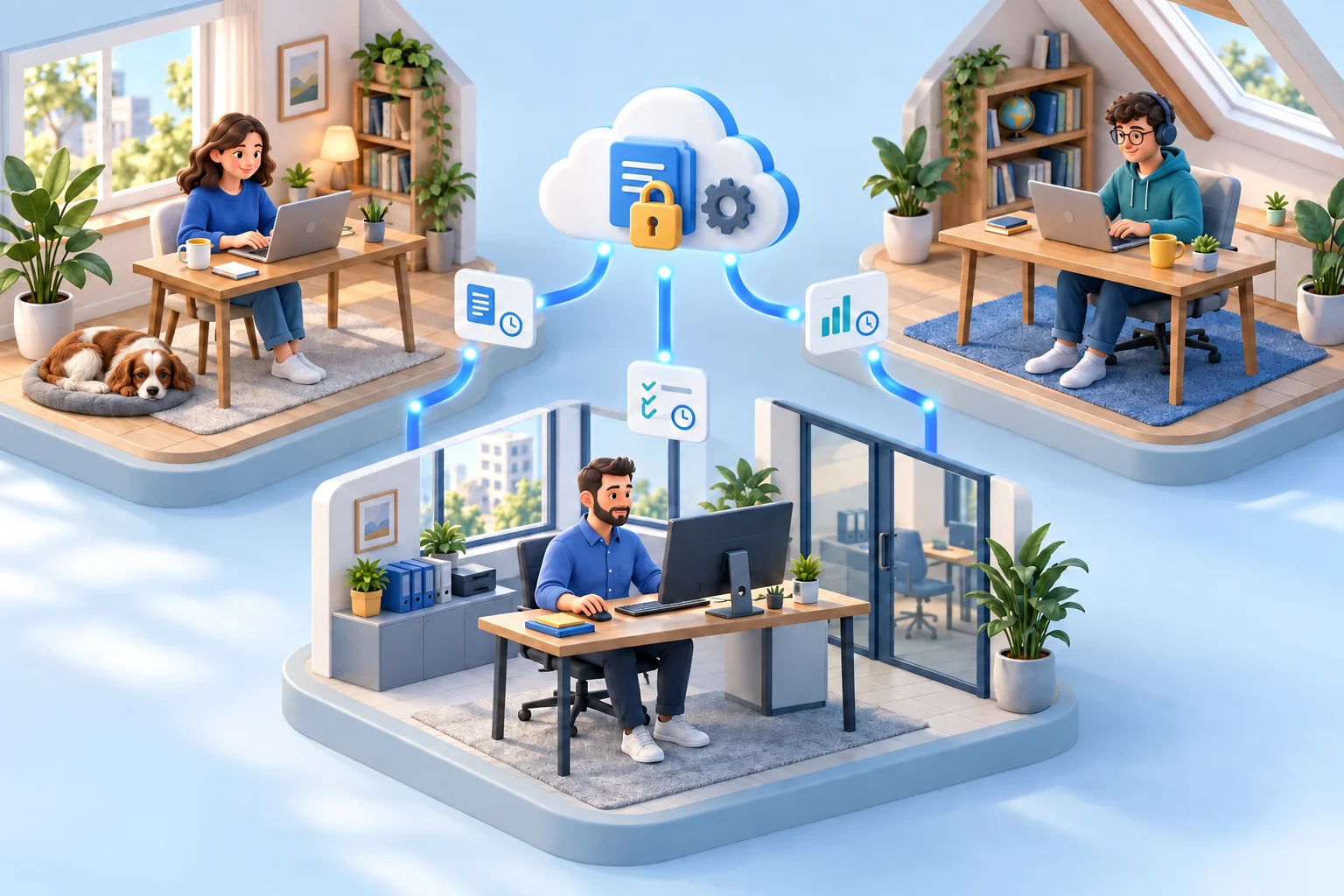
Compare permanent licenses and Cloud subscriptions, then build a realistic 25-computer budget that includes rollout, recording storage and the time needed to run the system.
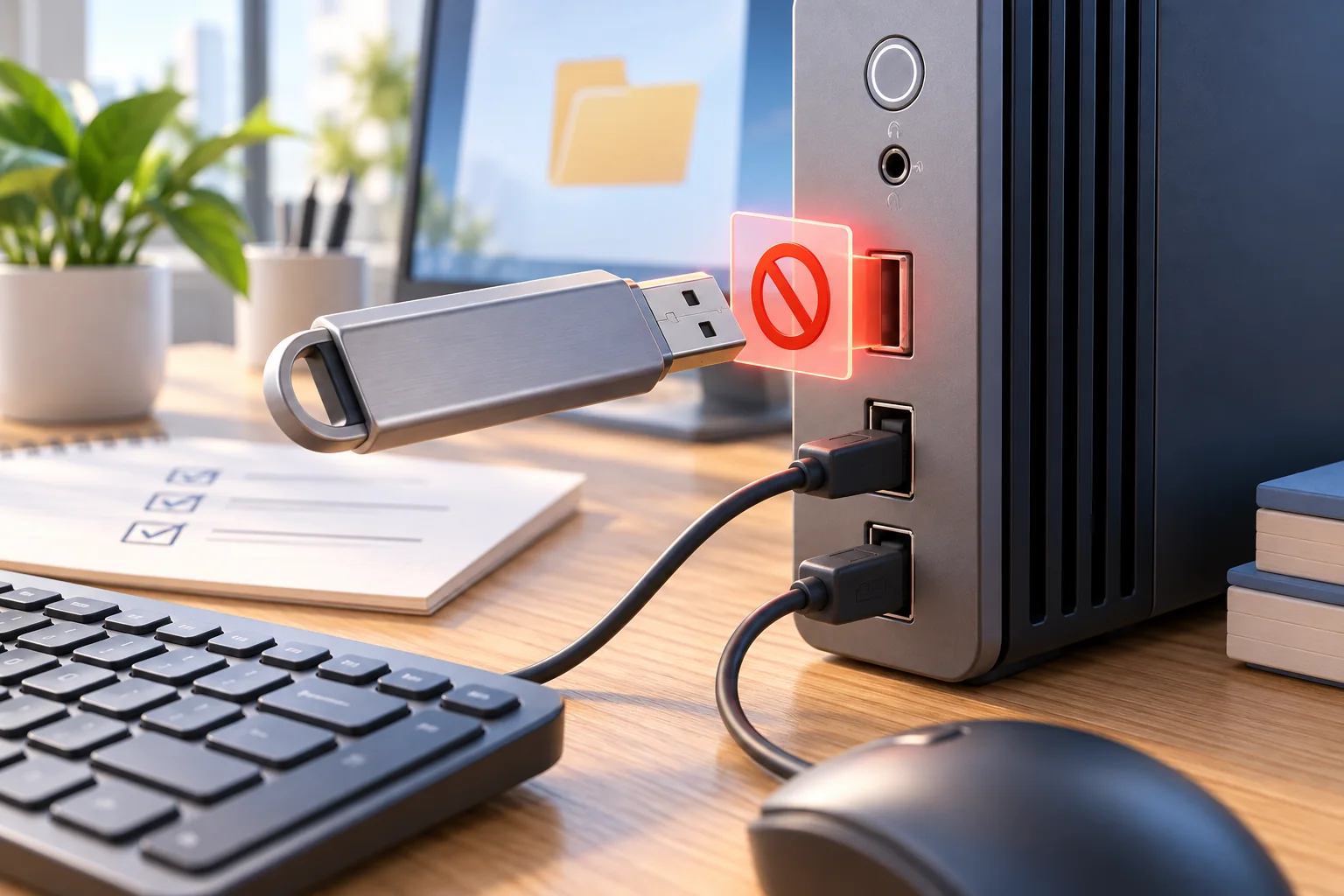
Restrict removable storage without confusing a selected-computer action with a global rule. Follow a practical Windows workflow, test the result, and keep an approved route for business files.
See how to document a suspected unauthorized file transfer with a factual timeline, an evidence register, and the employee’s explanation. Preserve the source records and distinguish observations from findings.
Organize workforce surveillance with clear manager, IT, HR and security responsibilities, review thresholds and proportionate responses to verified concerns.
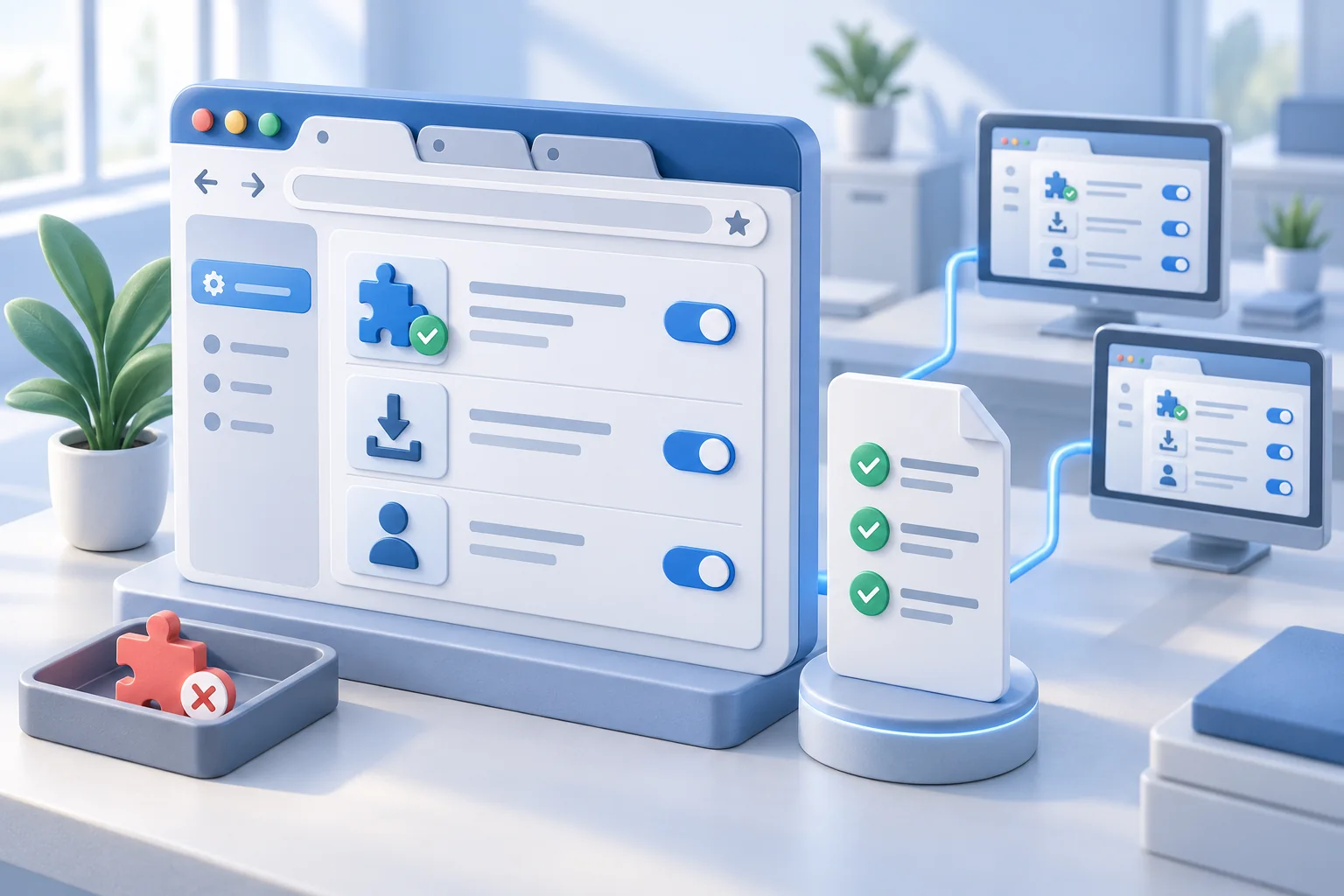
Turn browser rules into settings that work. Manage approved browsers and extensions, restrict risky web access, and verify enforcement on office and remote PCs.
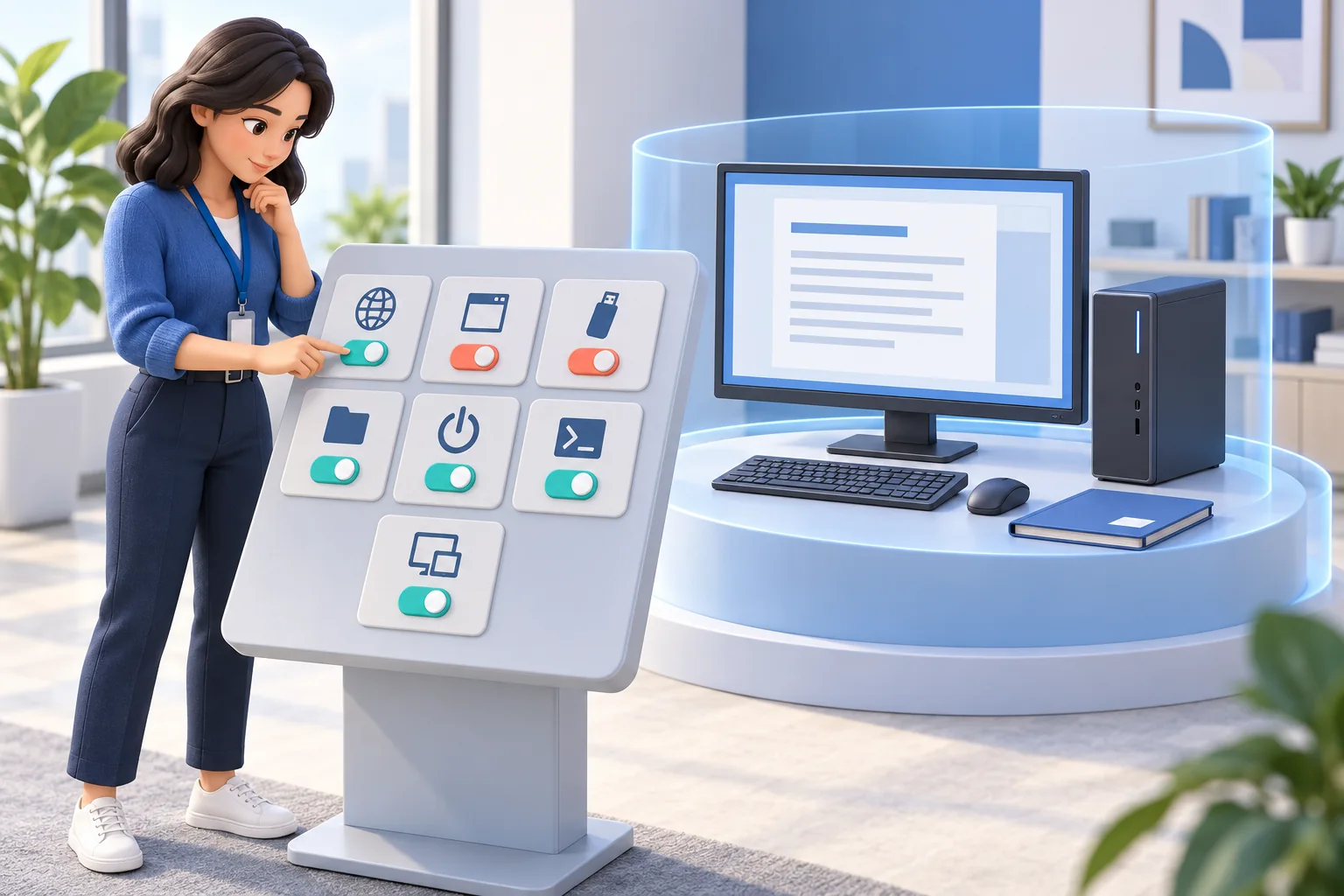
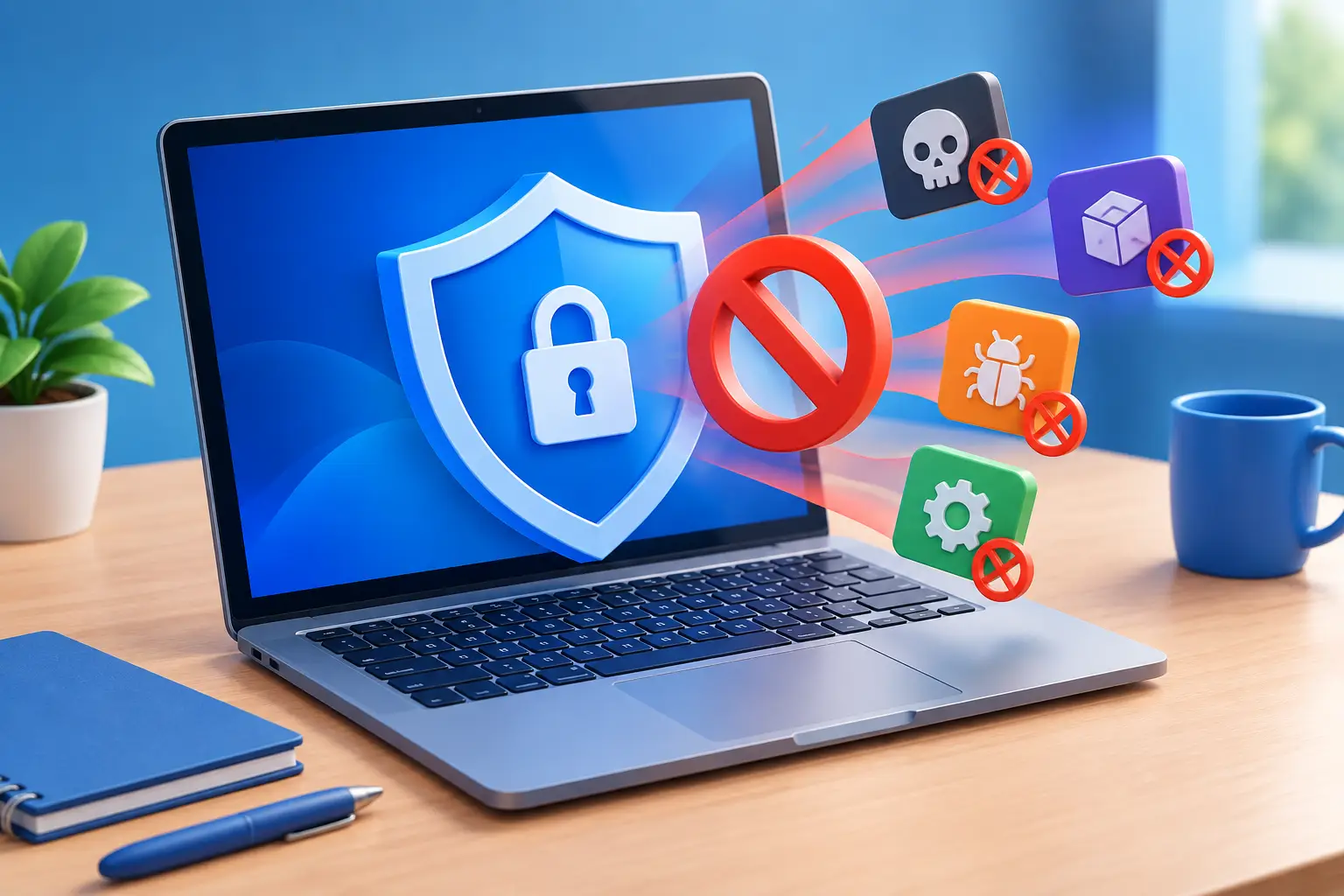
Compare seven endpoint control features for safer company workstations. Learn what each control does, how to test its scope, and how to keep approved work moving.
Identify idle time using activity reports, work context, and clear review rules. Learn which signals to check, how to calculate a meaningful rate, and what to do about recurring downtime.
Reduce unnecessary powered-on hours without disrupting real work. Compare remote shutdown, restart, sleep, and Wake-on-LAN, build a safe policy, and measure the savings.
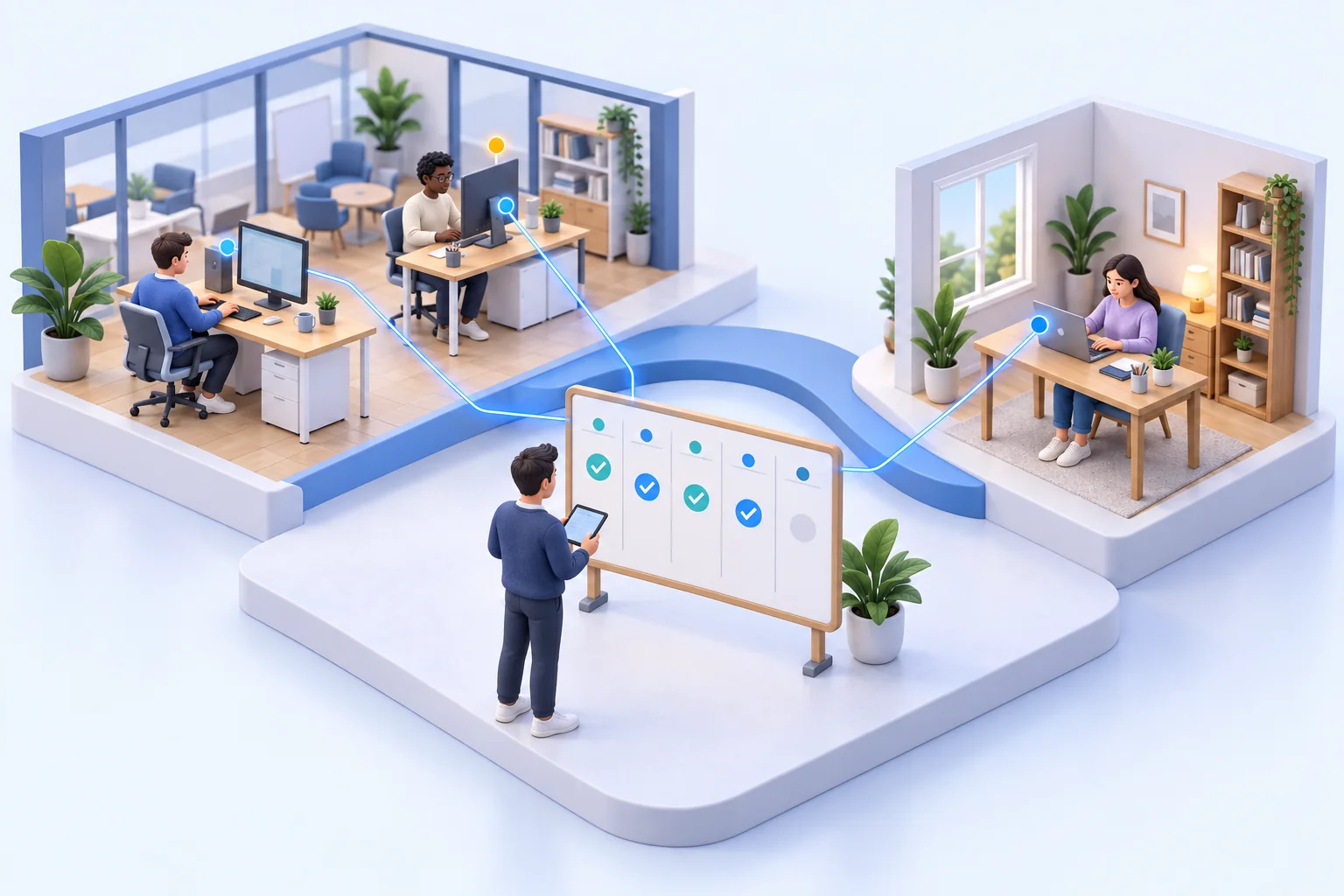
Build a hybrid work oversight routine for office and home days, with clear owners, handoffs, support checks and fair review of gaps in activity records.
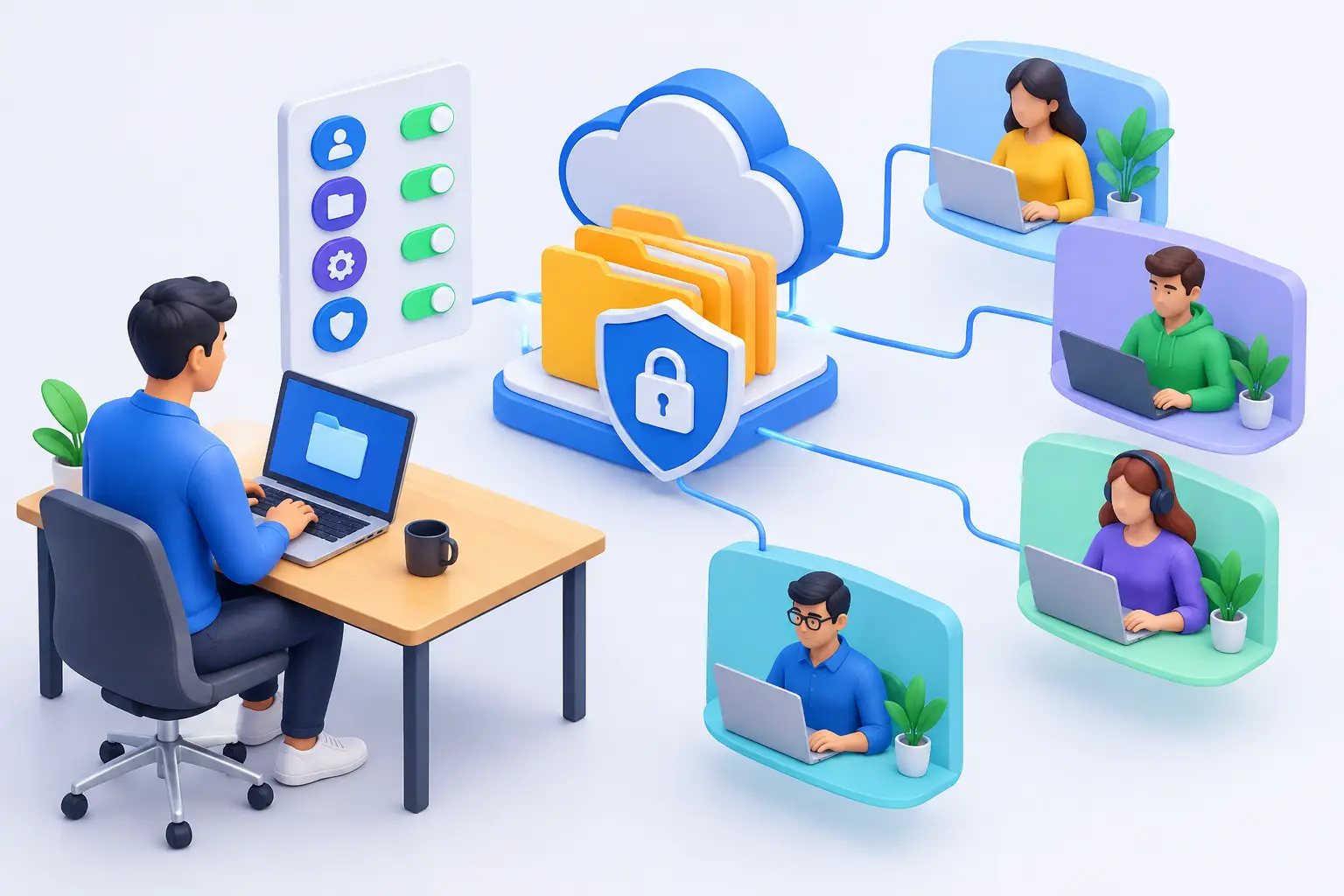
Send the right file, retrieve business records, and check before you delete. These seven controls help IT manage employee files remotely with clear approvals and verified results.
Build a workplace surveillance policy covering purpose, devices, collected data, access, retention, notice, and a check that technical settings match the policy.
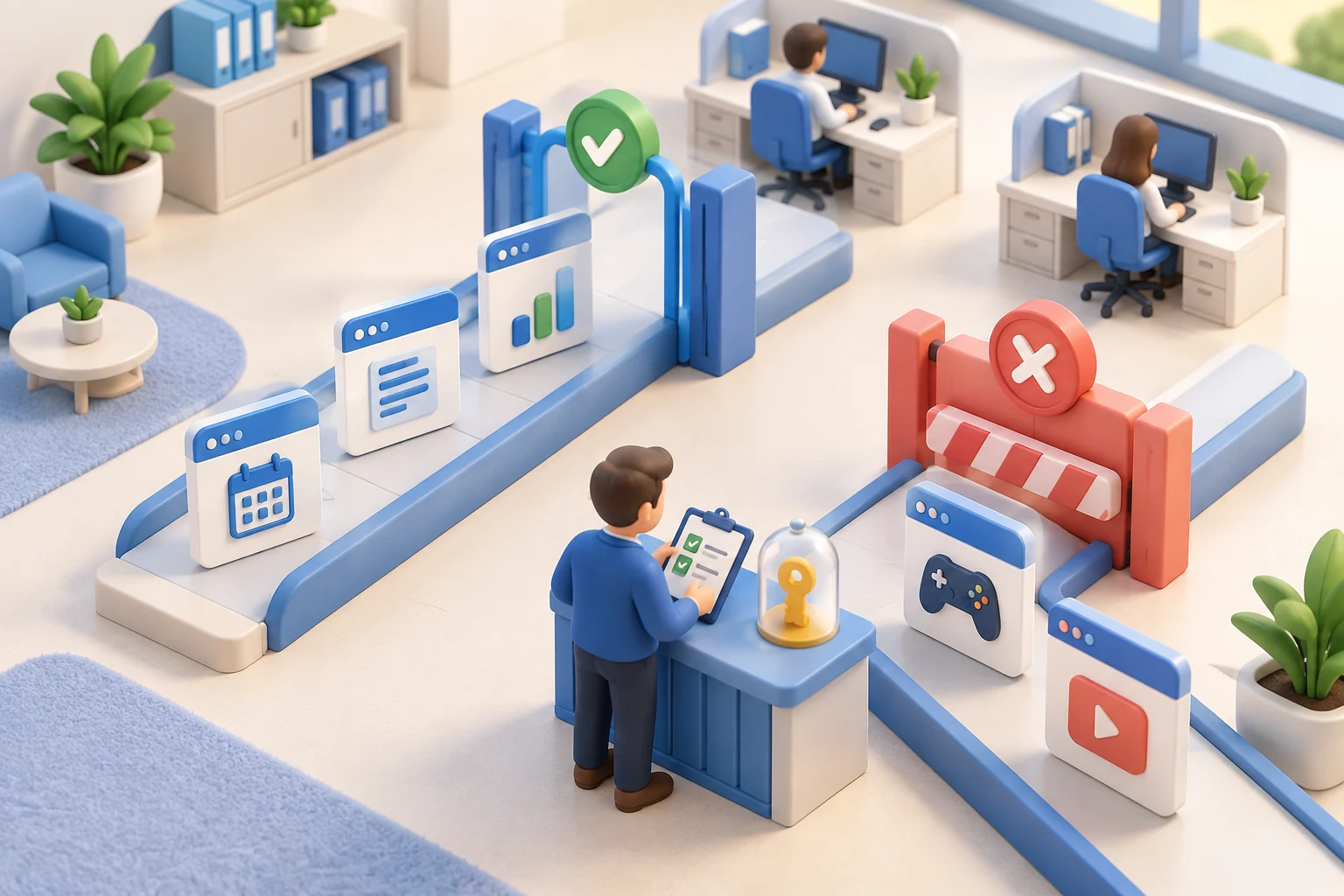
Choose targeted website rules, keep essential business tools accessible, and test restrictions before rolling them out across office and remote computers.
Read application usage reports to distinguish open processes, active use, and idle time. Review software adoption with examples and clear limits on interpretation.
See what happens after a remote desktop sign-in. Combine live session visibility, recorded evidence, and endpoint controls to investigate risk and support your team.
Understand when keystroke logging for employees adds useful context, what typed input cannot prove, and how to verify a record against independent evidence.
Interpret website usage tracking for employees with browsing-report examples, role context, and checks for background tabs, shared devices, and missing records.
Use employee productivity monitoring tools to locate workflow bottlenecks. Compare activity, completed work, quality and waiting time in a practical example.
Use insider threat monitoring software to review unusual activity, test legitimate explanations, and identify evidence needed before escalating a concern.
Plan remote employee monitoring software deployment with connection, sleep, reconnect, recording and storage checks for company computers outside the office.
Use an employee activity tracker to connect user, device, application and idle records. Check timeline gaps before drawing conclusions about a working day.
Compare employee monitoring software by business need, activity evidence, deployment effort and trial results. Build a practical SMB evaluation checklist.